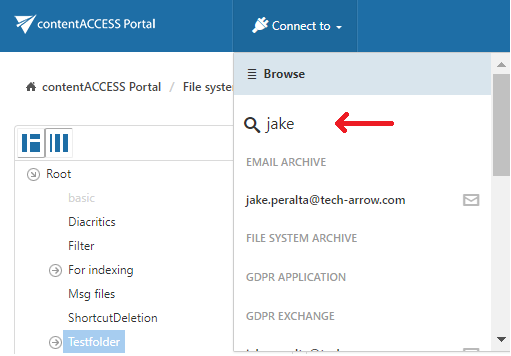
“Connect to” search
Introduction
The Connect to search function allows users to quickly find an entity by entering its name or a partial name. The available entities are automatically filtered based on the entered search term.
Search for an entity
Click into the Connect to drop-down list and start typing the name of the entity you want to connect to. The search function automatically filters the available entities based on the partial name entered.