Teams archive tasks
Introduction
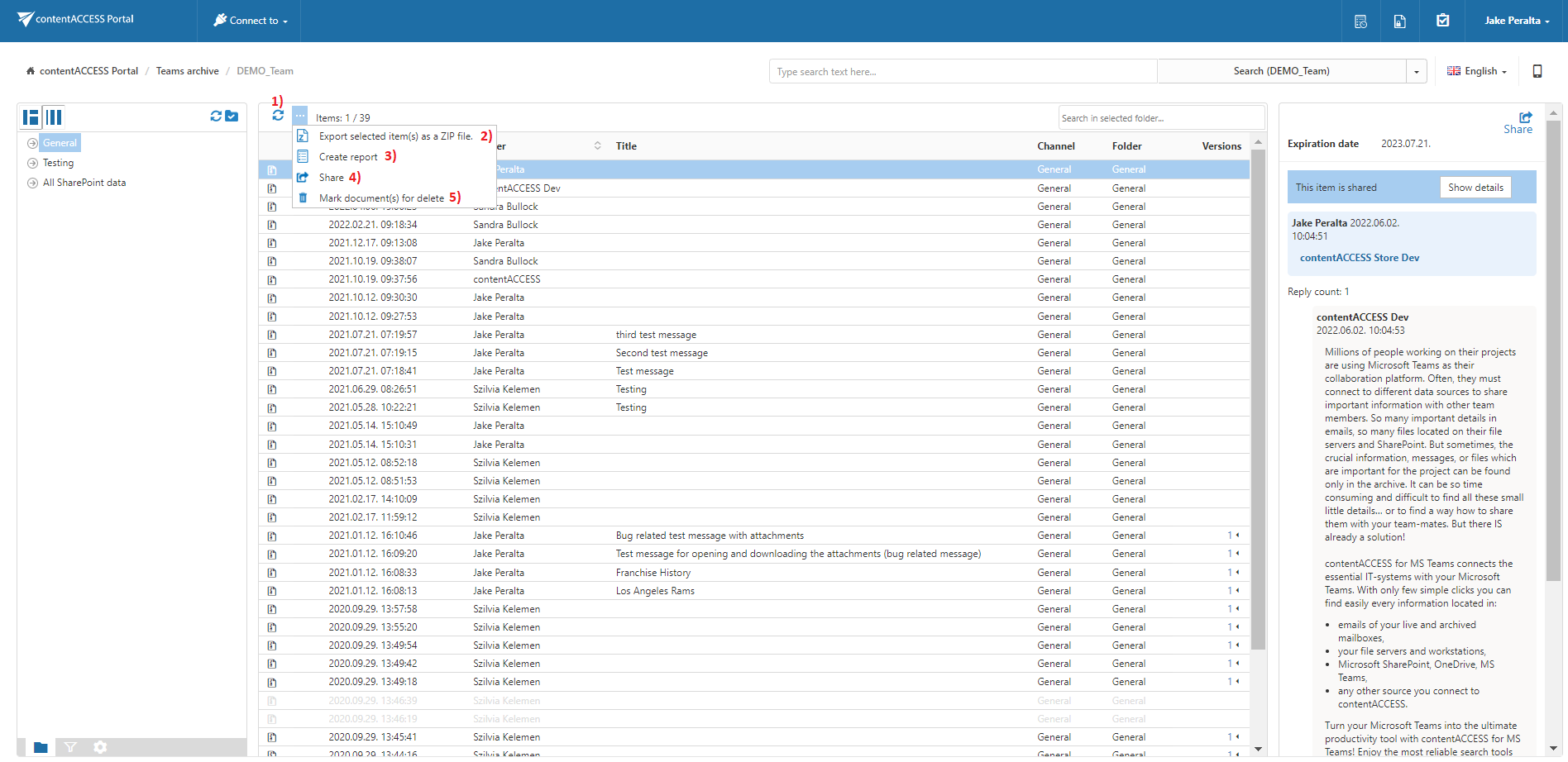
The Teams Archive provides toolbar tasks for processing selected items in contentACCESS Portal. Users can refresh the item list, export items as a ZIP file, create reports, share items, and mark documents for deletion.
Available Teams Archive tasks
By default, the following actions can be run on selected Teams Archive items:
- Refresh
- Export selected item(s) as a ZIP file
- Create report
- Share item(s)
- Mark document(s) for delete
The Export selected item(s) as a ZIP file and Create report tasks can be enabled or disabled by the administrator on the Task types tab. For more information, see Enabling/disabling tasks.
Refresh
Use Refresh to reload the item list when items are not yet displayed or the list needs to be updated.
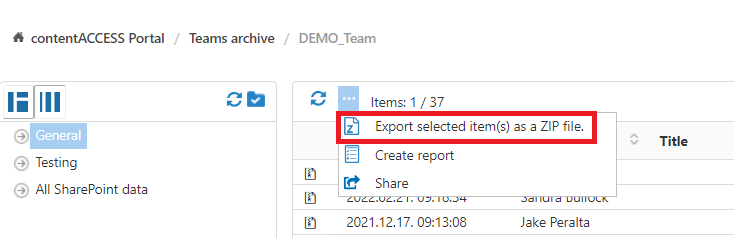
Export selected item(s) as a ZIP file
To export one or more items as a ZIP file:
-
Select the required items from the item list.
-
Click Export selected item(s) as a ZIP file above the item list.
-
Select whether to export:
- All items from the current folder.
- Only the selected items.
-
Click Create or press Enter.

Create report
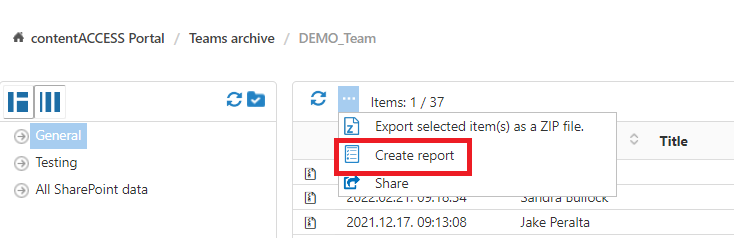
For more information, see Create report.
Share item(s)
The Share item(s) option allows users to create links pointing to the selected items, which can then be sent to other users.
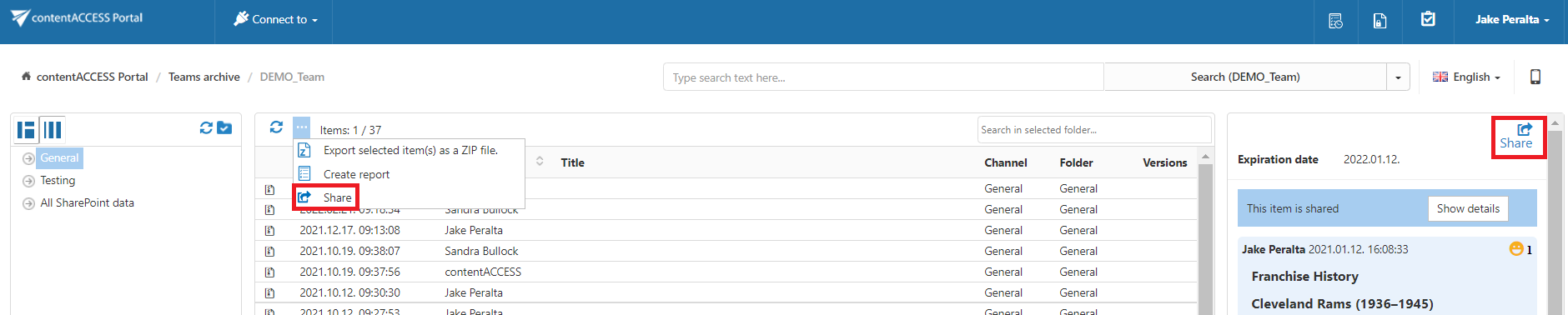
For more information, see Share item(s).
Mark document(s) for delete
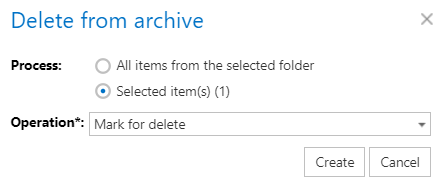
The Mark document(s) for delete task allows users to mark or unmark documents for later deletion from the archive by the Delete job.
Users can mark or unmark:
- Only the selected files.
- All files in the current folder.
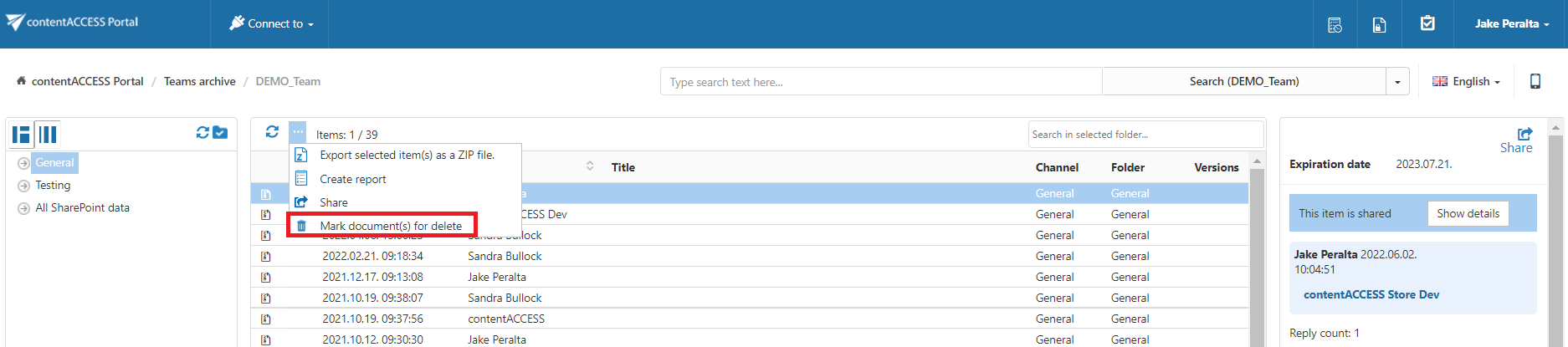
To mark or unmark documents:
-
Select the required action from the Operation dropdown list.
-
Click Create.