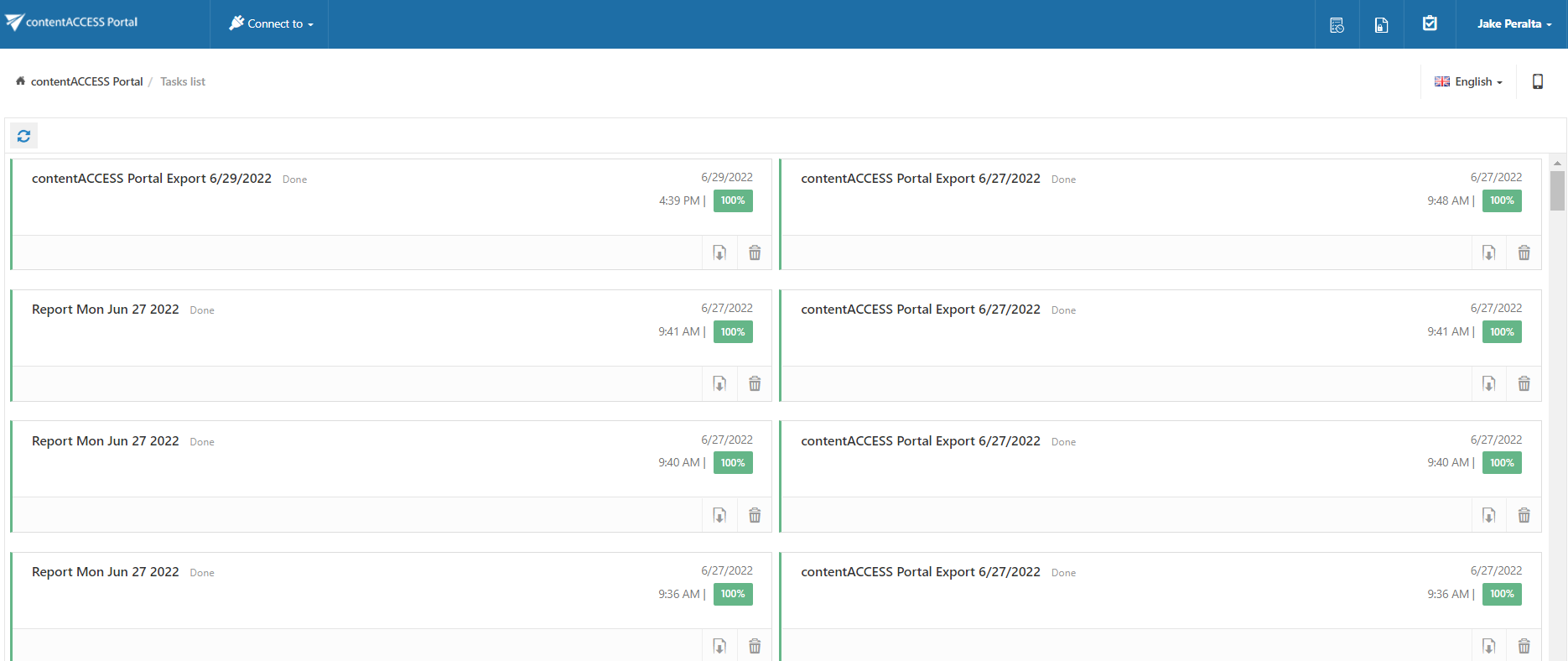
Tasks page
Introduction
The Tasks page provides a more detailed and transparent view of the Tasks list. It allows users to monitor and manage Export, Recovery, and Delete tasks, including viewing progress, cancelling ongoing tasks, downloading completed export tasks, and removing tasks.
Manage tasks
The following actions are available on the Tasks page:
- Download completed Export tasks.
- Remove tasks.
- Check the progress of ongoing tasks.
- Cancel ongoing tasks.