contentACCESS Mobile Version 5.1

✨ Highlights
- Redesigned user interface with a fresh look and feel focused on simplicity, productivity, and faster one-handed access through floating and swipe menus.
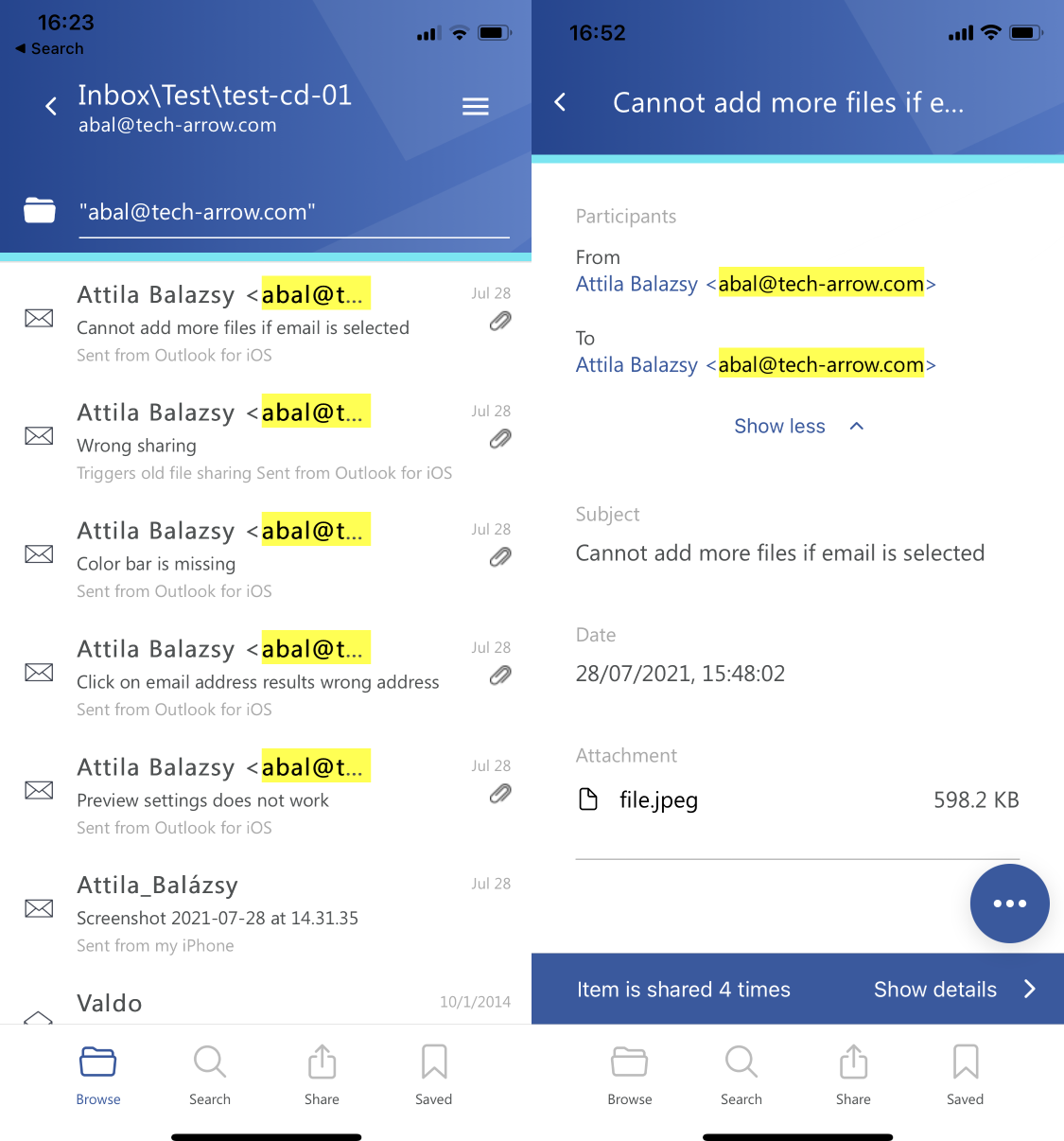
- Faster information discovery with search suggestions and hit highlighting across search results and item details.
- New multi-selection support for saving and sharing multiple items directly from the mobile app.
- Platform-level sharing now available on mobile, enabling secure sharing, auditing, and management of shared content.
Common
✓ New look and feel
Dynamics, simplicity, and productivity—these are the key factors that led to our decision to redesign TECH-ARROW’s contentACCESS Mobile app. The result speaks for itself!
The new design allows users to focus on important data and core functionality of our mobile app. Thanks to floating and swipe menus, data can be accessed faster with one hand. In combination with other great features like search suggestions, hit highlighting, and sharing, we were able to add even more real value to our contentACCESS Mobile application. So allow us to say that now every significant company data lies in your pocket!
✓ Search suggestions
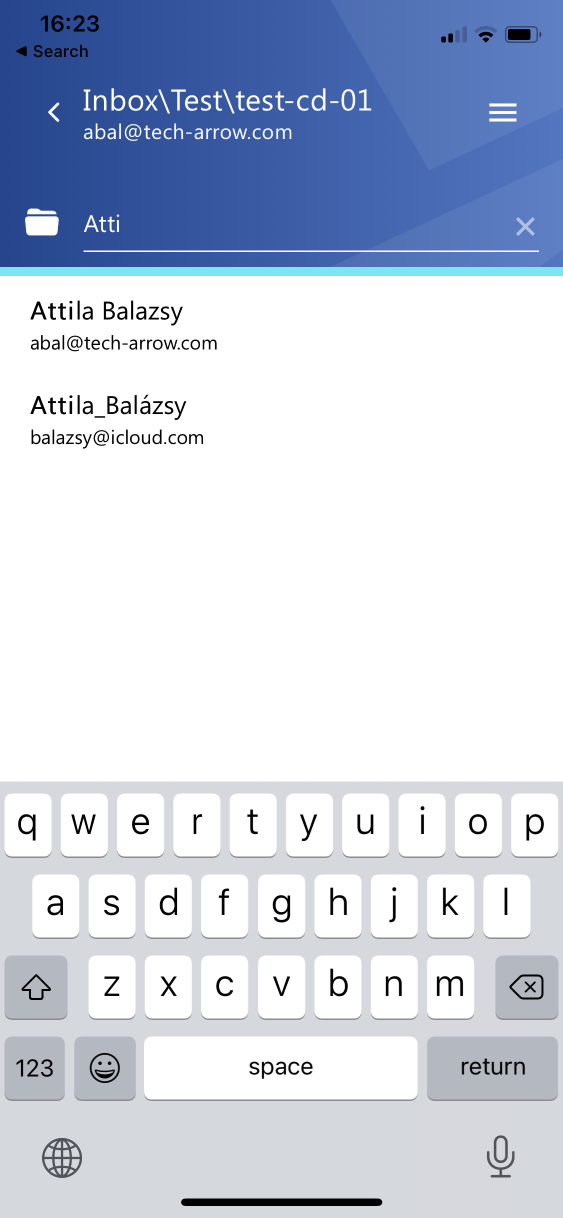
Search suggestions allow you to find all relevant data you are looking for much faster. This feature is now also available in contentACCESS Mobile. It eliminates the need to type whole words or email addresses, which can sometimes be annoying and time-consuming. Suggestions are available in quick search as well as in global search options.
✓ Hit highlighting
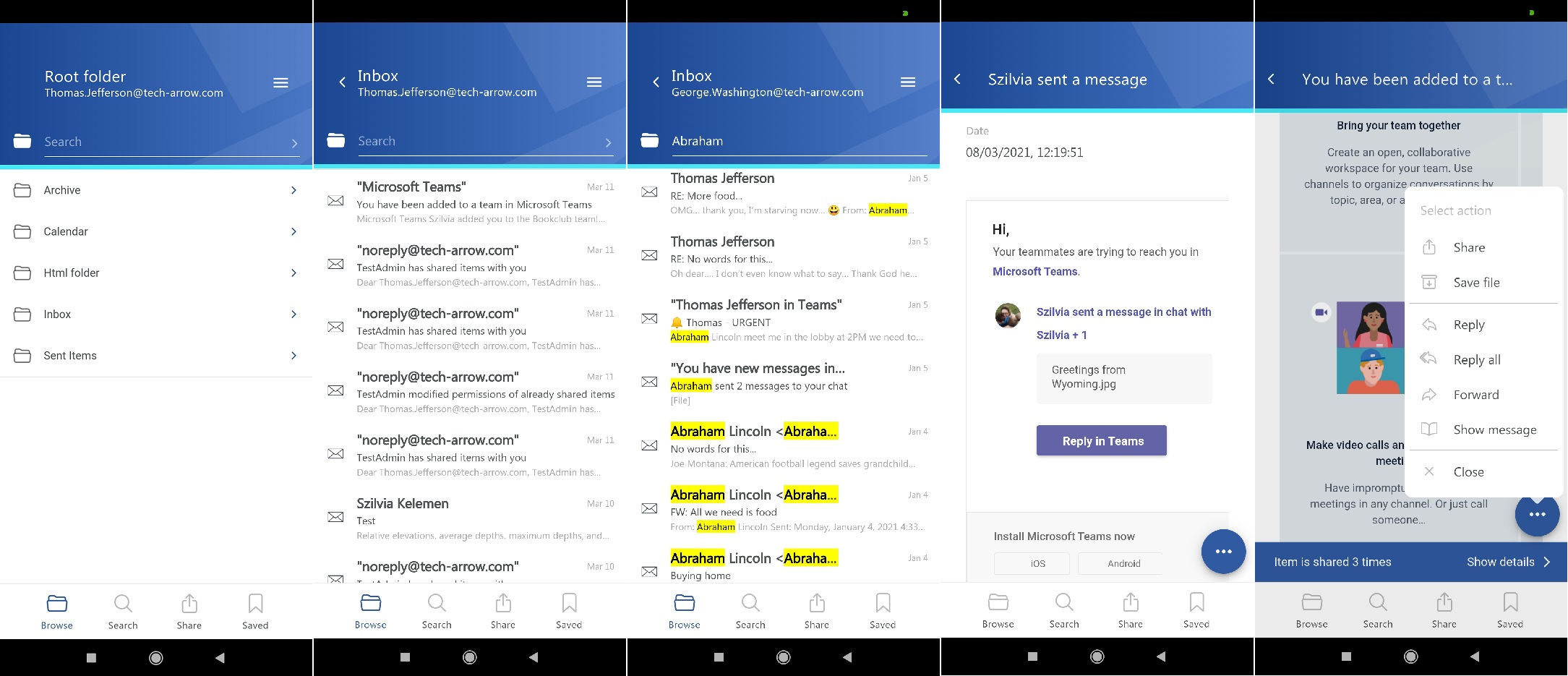
The search experience was already good, but we added some extras to make it even better—enjoy hit highlighting. Thanks to this feature, searched words located in longer texts or metadata are highlighted. The searched words are also highlighted on the item details page. Nothing is hidden from your eyes anymore!
✓ Multi-selection
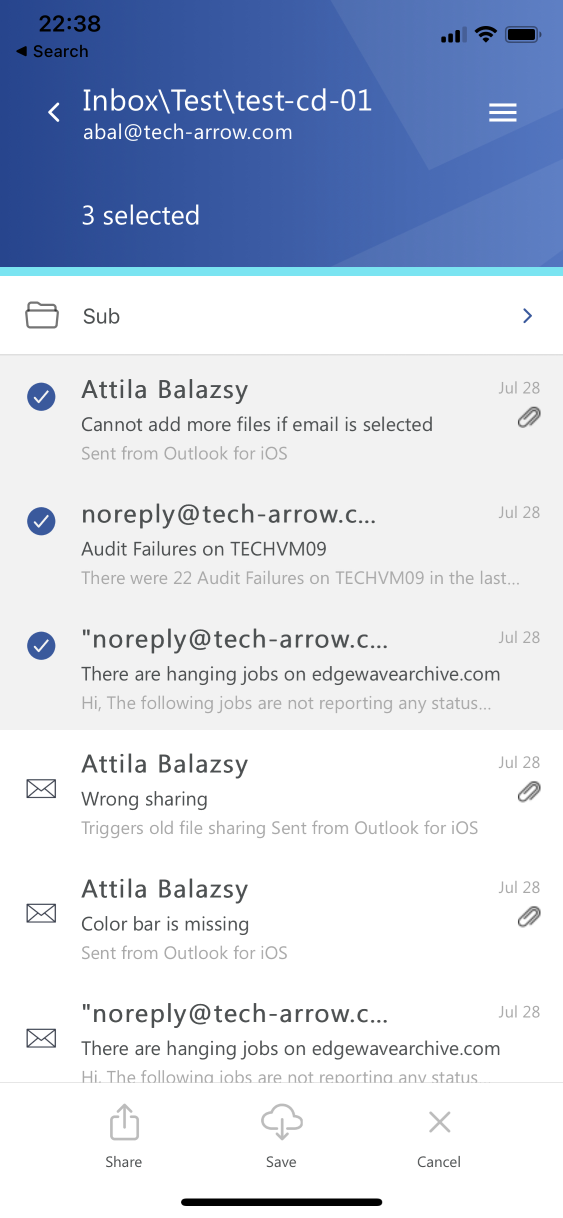
This version of our mobile app allows you to select multiple items. Multi-selection can be activated by long-pressing an item. In multi-selection mode, item saving and item sharing features are available.
Sharing
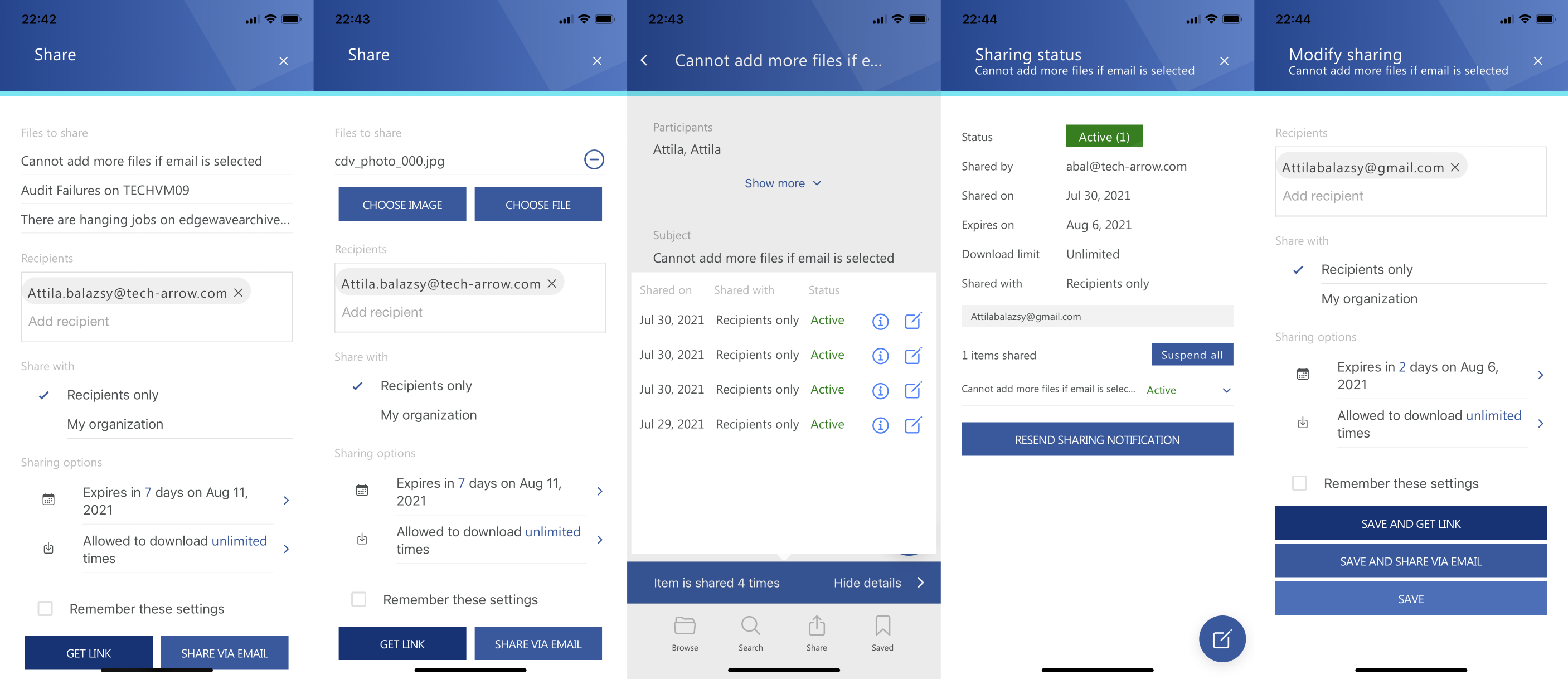
In contentACCESS 5.0, we introduced our platform-level sharing feature. This feature is now also available in our contentACCESS Mobile app. You can share data directly from the contentACCESS archive in just two clicks. You can also view the download audit for an already shared item and modify sharing settings.
You can even share images or downloaded files from your mobile device directly using the same sharing feature. Just three clicks, and everything else is handled in the background by contentACCESS. Inviting the recipient to contentACCESS, sending the shared files, ensuring shared data retention, limiting downloads, and auditing access—everything is managed by the system!
Sounds good? Give it a try!