contentACCESS Version 3.1

✨ Highlights
- Introduces a new common login page with standardized OAuth-based authentication and true single sign-on across all applications.
- Adds extended, role-based permission management with a new user interface for finer administrative control.
- Enhances email archiving with support for Exchange public folders and improved handling of envelope journal messages.
- Provides a redesigned setup package that simplifies new installations and updates in single-server and distributed environments.
Common features
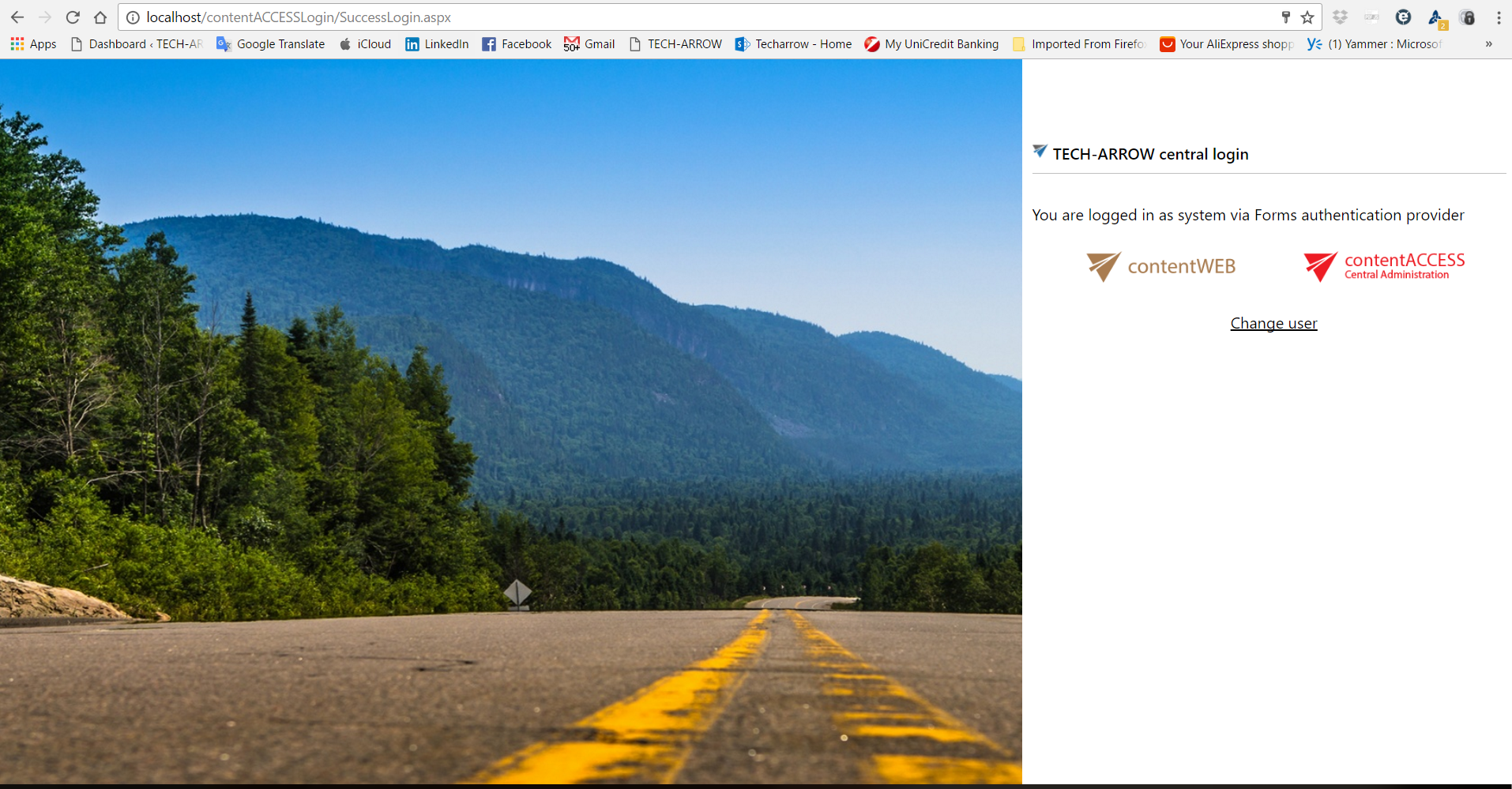
✓ New common login page: The previously redesigned login page now works, starting with version 3.1, as a common login page for all applications. The login uses a standardized OAuth protocol. The new login page supports authentication with several networks (Microsoft (Azure/O365), Google, Facebook). The login page works as an automatic login provider with enforced real SSO.

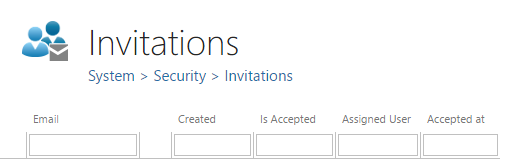
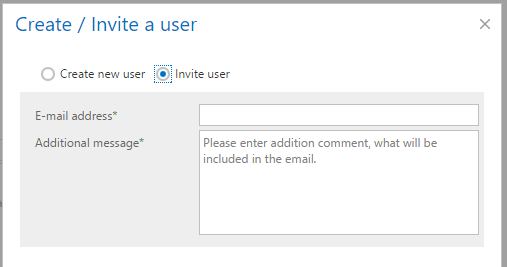
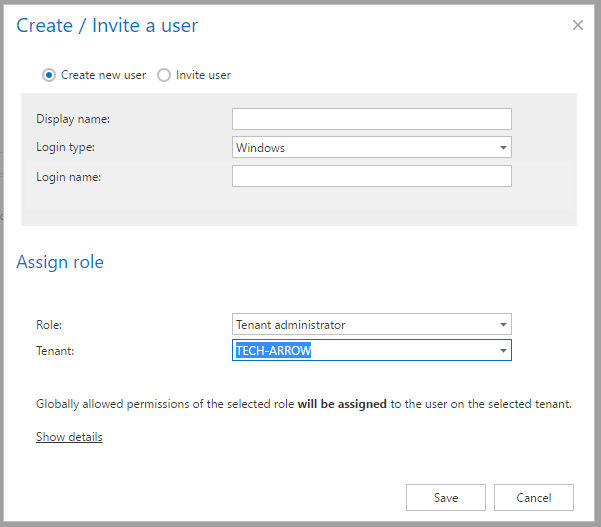
✓ Invitations: The new contentACCESS version allows users to be invited to easily access archived content, manage server configuration, and more. The administrator has full control over all invitations sent from the Central Administration.

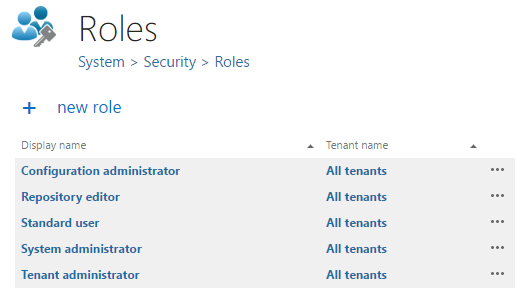
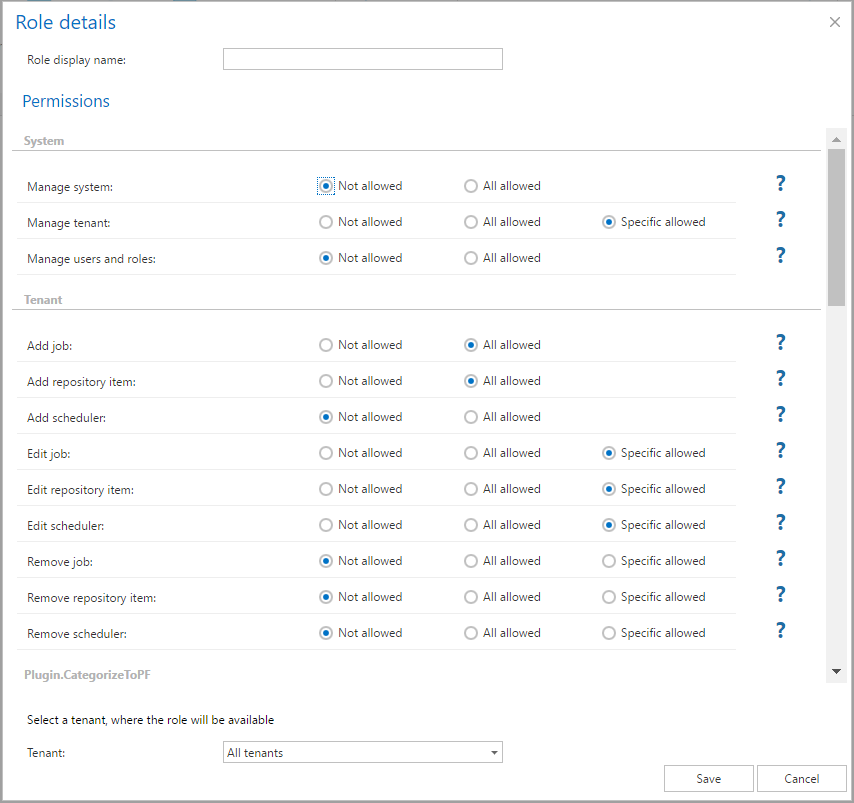
✓ New permission management: The role-based permission model in contentACCESS was extended with a new user interface. With the new permission management, the administrator has finer control over all roles and permissions.

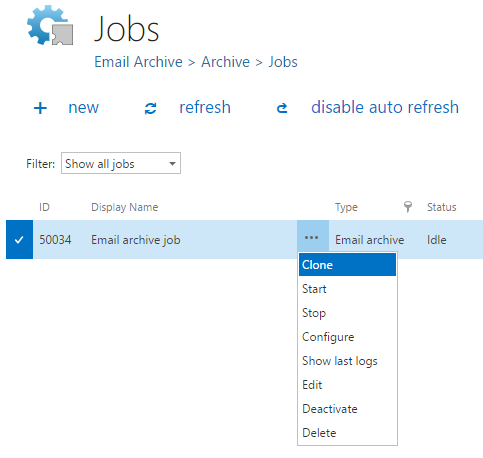
✓ Job clone function: This improvement allows duplicating a job configuration into a new job. This is useful when several jobs with similar configuration settings need to be created.
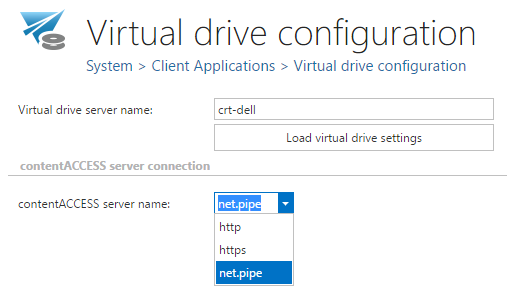
✓ NET.PIPE connection for contentWEB and Virtual Drive: contentACCESS version 3.1 allows the use of net.pipe connection settings for contentWEB and Virtual Drive installed on the same server as contentACCESS. This significantly boosts the communication speed between these components.
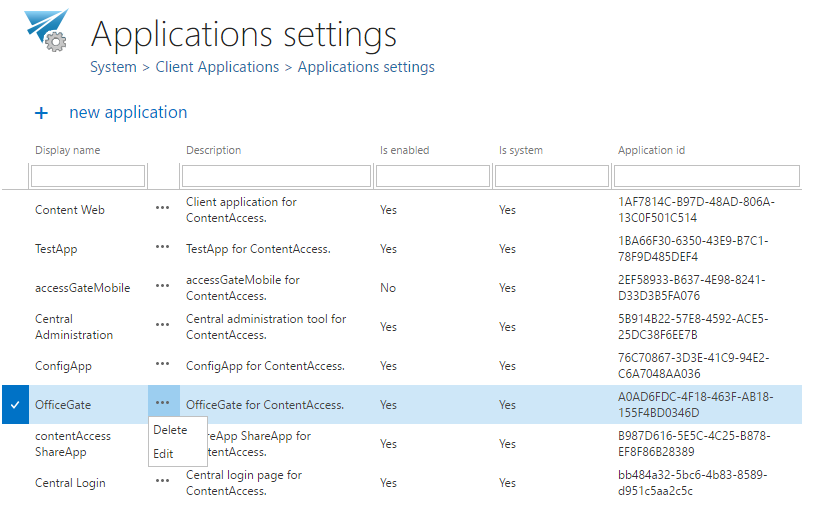
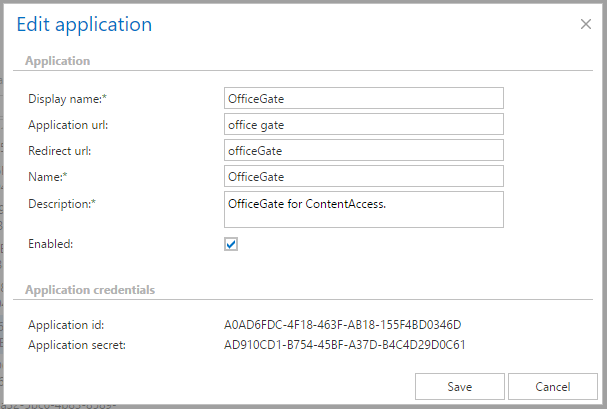
✓ Application settings: Full control over client applications accessing archived data is available through a centralized list of applications within the new application management.
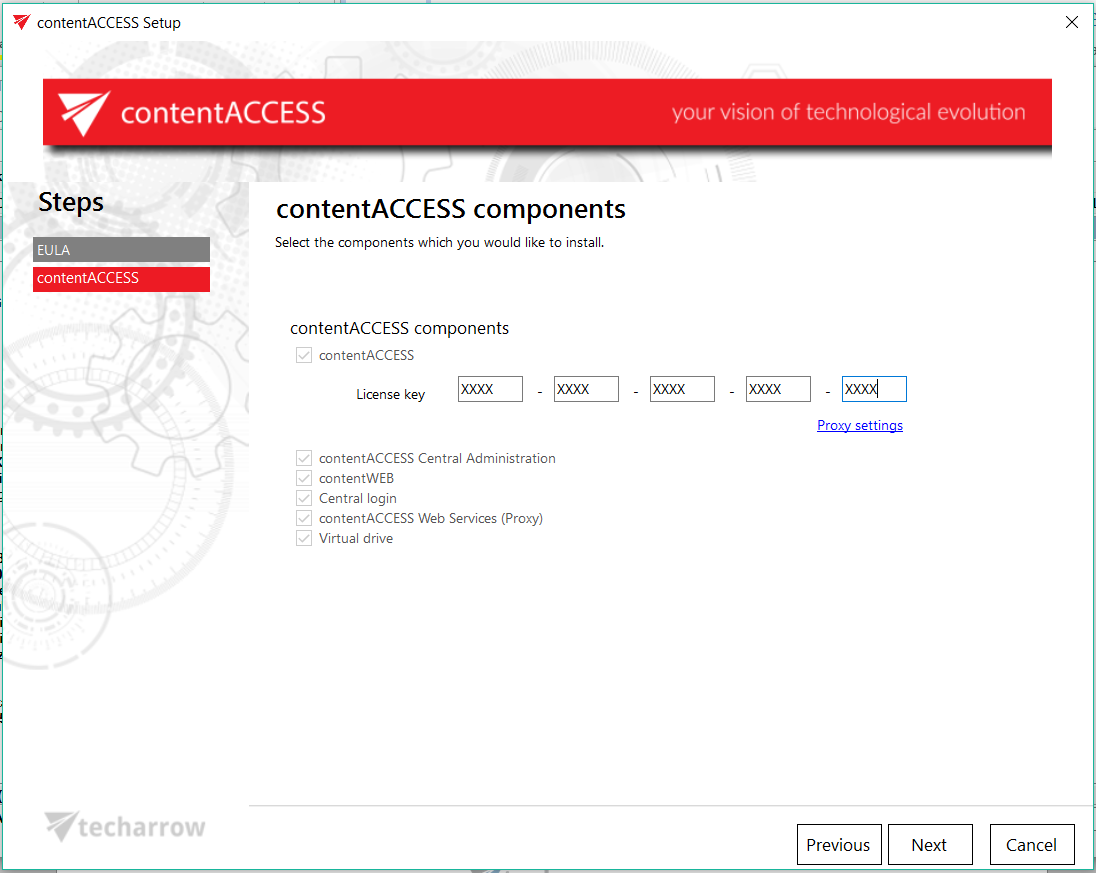
✓ Redesigned setup package: The redesigned contentACCESS setup is more intuitive and transparent for new installations or updates. The setup guides users through the steps for a single-server installation or a distributed environment installation. All components are installed or updated by the installation wizard, and the settings are written directly into the contentACCESS database.
Email Archive
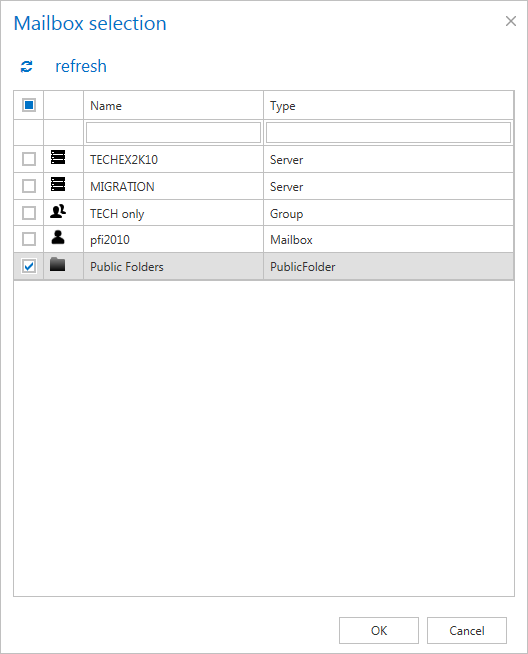
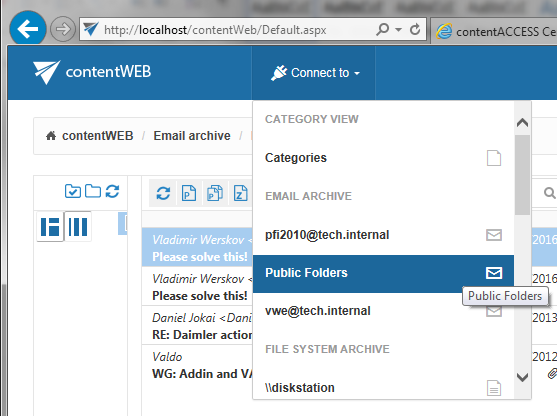
✓ Public folder archive: The new contentACCESS server allows archiving of Exchange public folders. The public folders are automatically discovered (if enabled) by the email archive provisioning, and emails from public folders can be archived just like those from user mailboxes.
✓ Archiving of envelope journal messages: In this version of contentACCESS, envelope journal messages are processed differently. Instead of analyzing the envelope, there is now direct access to the inner message, making it possible to display, index, and work with it. The envelope information can still be accessed on demand if needed.
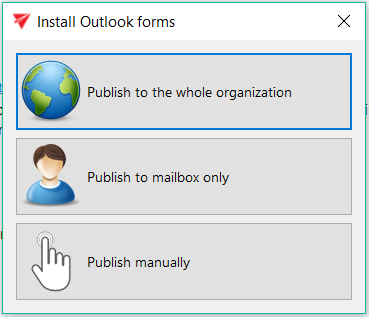
✓ Reply-forward icons in Email Archive: contentACCESS now recognizes and displays reply and forward icons for archived messages. The redesigned Outlook forms are installed automatically by an installer. contentACCESS recognizes and shows the reply or forward icon for archived messages (shortcuts). An Outlook forms installer was added to the setup to simplify form installation.

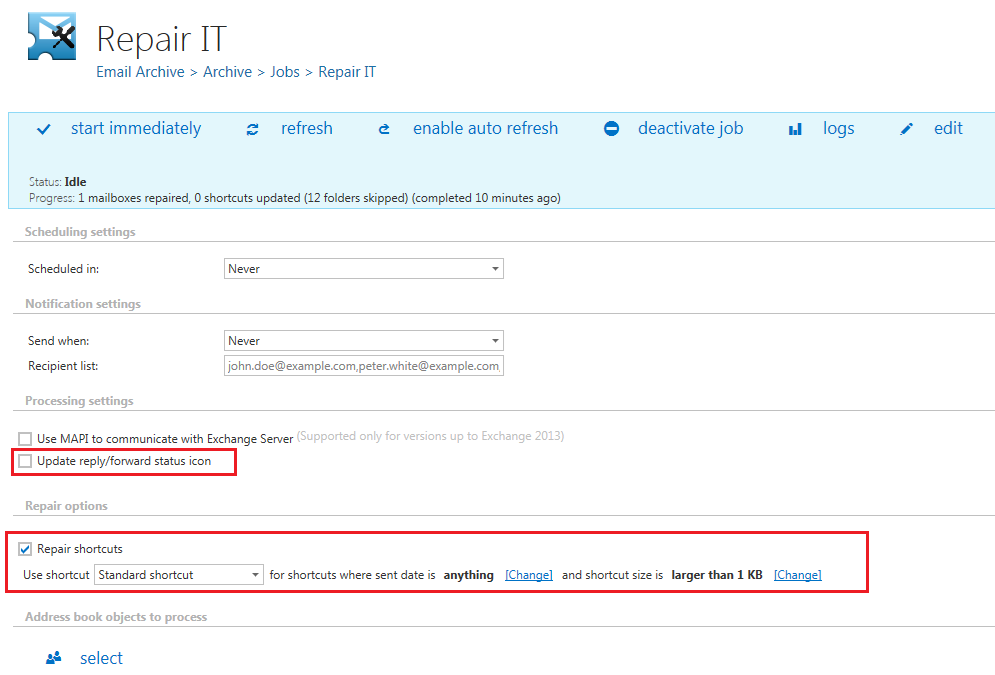
✓ Repair job: The new contentACCESS version introduces a new type of job: the shortcut repair job. This job is useful for applying different formatting to existing shortcuts, such as removing or adding attachments, applying HTML shortcuts, and more. The job can also fix reply and forward icons for existing shortcuts.
SharePoint
✓ SharePoint archive: The new SharePoint archive plugin extends contentACCESS with the ability to archive SharePoint content and works similarly to the existing File archive plugin. The new SharePoint archive supports “keep original” or “delete original” methods and works for the following item types: document libraries (documents), pictures, contacts, tasks, calendars, and custom lists. Documents are archived from document libraries, and list objects are archived with or without attachments. The new plugin stores full metadata in the archive. The archiving job can use filters for documents based on size, age, and file type. The SharePoint archive also has limited field-mapping support. The archived items are accessible via the contentWEB Client.
Performance Improvement
The improved archiving performance results in a considerable performance boost in email archiving.
Client Applications / Tools
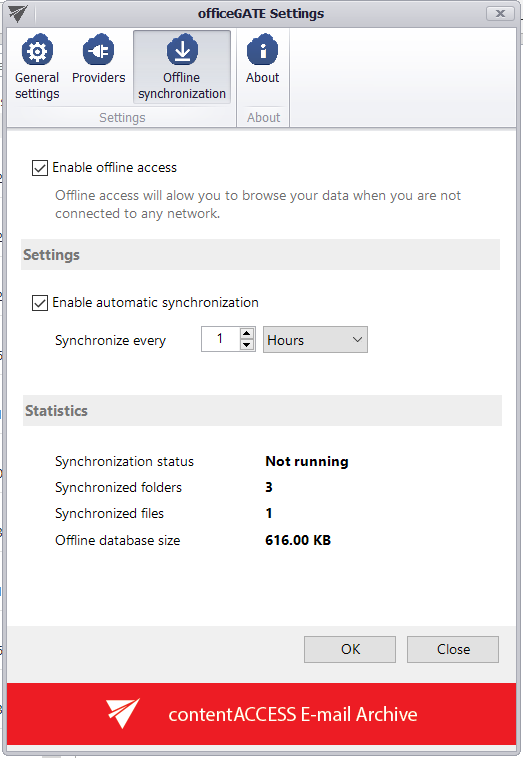
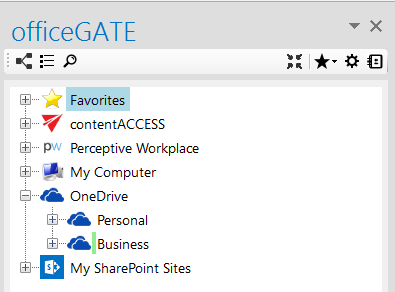
✓ Offline synchronization for officeGATE: officeGATE allows configuration of offline synchronization for selected folders. Offline synchronization enables file access in offline mode without a network connection.
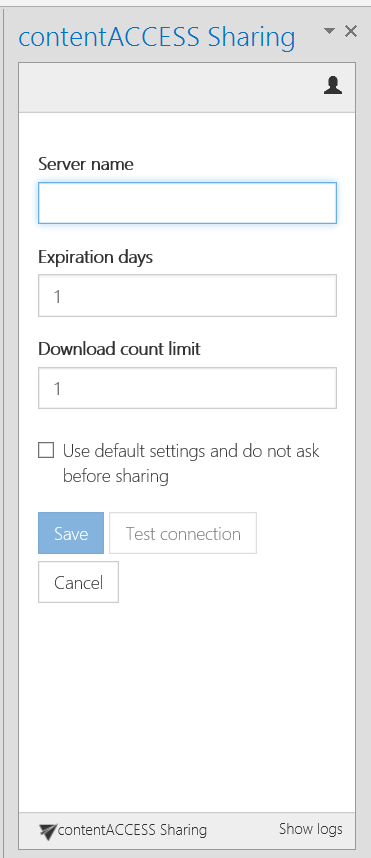
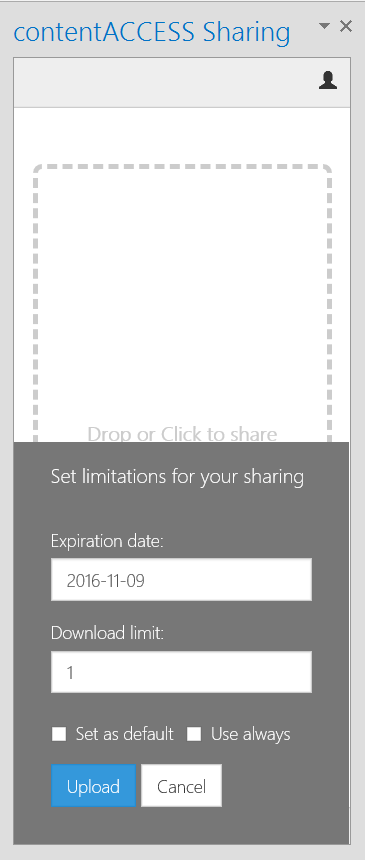
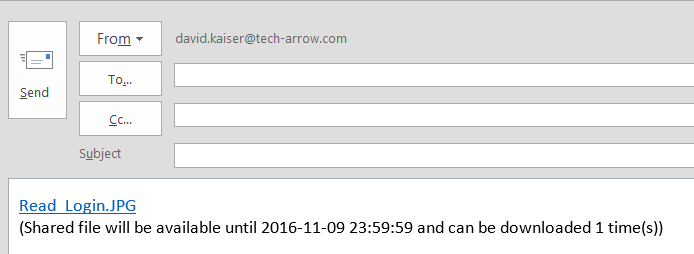
✓ New Outlook Add-In: ShareApp: The new ShareApp add-in, available in the Office Store / Add-ins for Outlook, helps share multiple files without email size limitations via contentACCESS. The files are sent as links and can be downloaded a defined number of times within a time limit based on the configuration.