contentACCESS Version 3.3 SP1

✨ Highlights
- Introduces the contentACCESS Mobile BETA, providing mobile access to data and search on iOS and Android devices, with offline availability and multiple authentication options.
- Adds automatic deletion of orphan email shortcuts to help keep mailboxes clean and ensure only valid shortcuts remain.
- Delivers a new Remote File Archiving BETA, enabling secure cloud-based file archiving with seamless access, recovery, and permission synchronization.
Common features
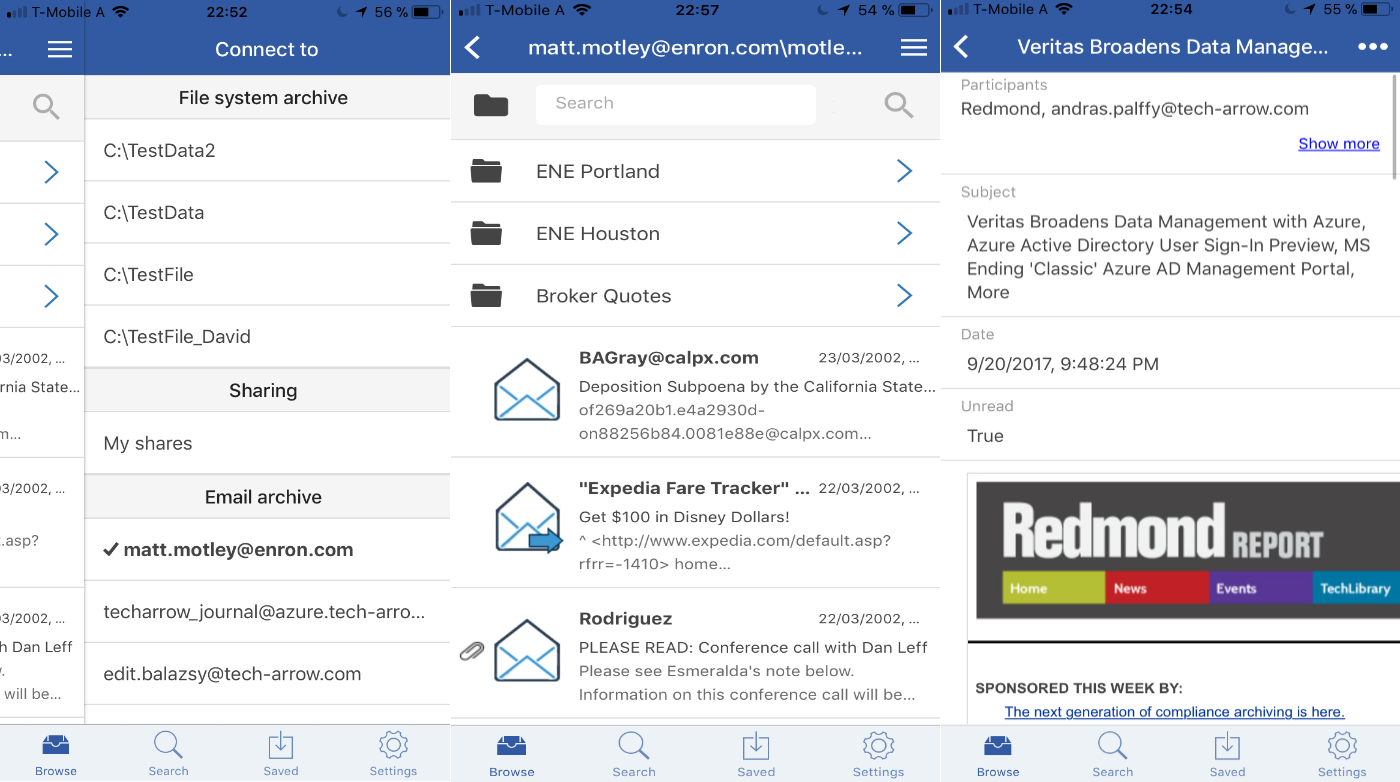
✓ contentACCESS Mobile BETA: To improve the mobility of the contentACCESS platform, we are releasing a brand-new version of our mobile application, which allows users to access all their data in contentACCESS anytime, from anywhere, on the most commonly used iOS and Android platforms. The new mobile application supports data browsing and provides the same search experience as other client applications on the platform. Files and emails can be stored locally so they are accessible even without an internet connection. Users can use all available login methods on their mobile devices, including forms, Windows, and Azure authentication.
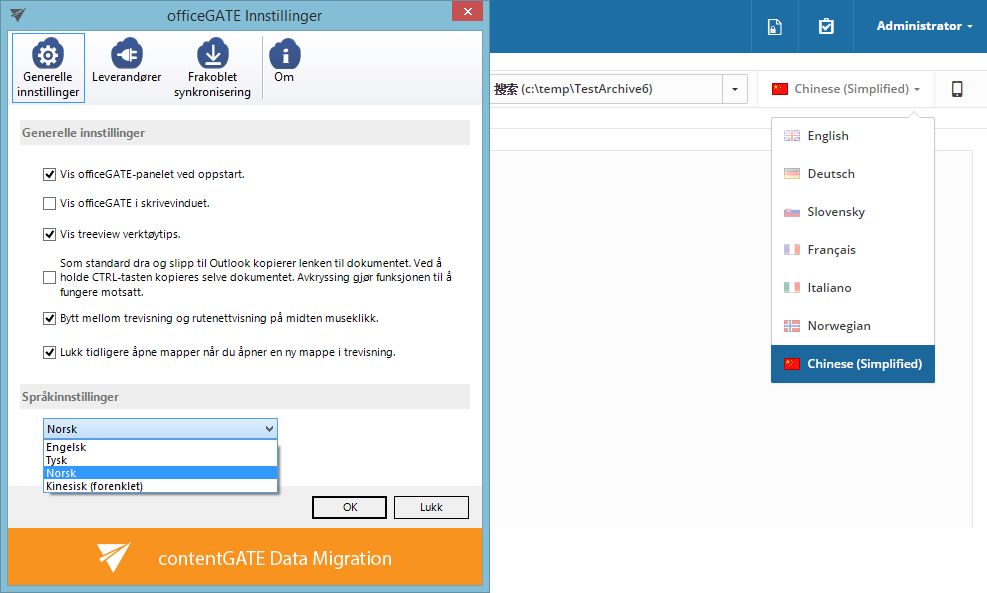
✓ New localizations: To be closer to our users, we are continuously extending the available languages in which the client applications are accessible. In this new version, we have added Chinese and Norwegian to contentWEB, officeGATE, MailApp, ShareApp, and contentACCESS Mobile.
✓ Filtration in job list: In the new version, we have added filtering and search capabilities to the job list, making it easier to find and manage jobs.

Email Archive
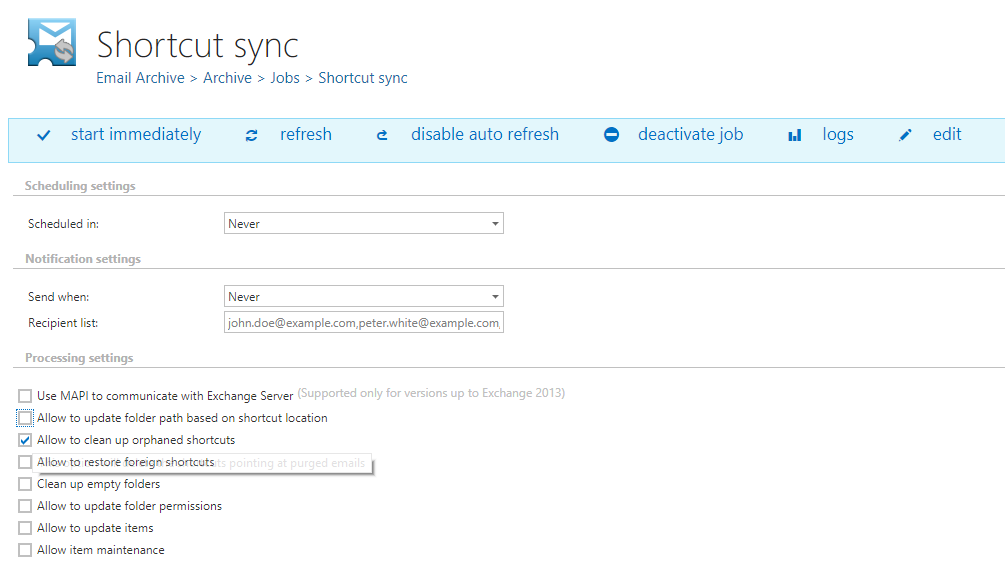
✓ Deleting orphan shortcuts: The shortcut synchronization job is now able to delete shortcuts for which the data were already deleted by the delete-from-archive job. This helps users clean up their mailboxes and keep only working shortcuts.
File archive
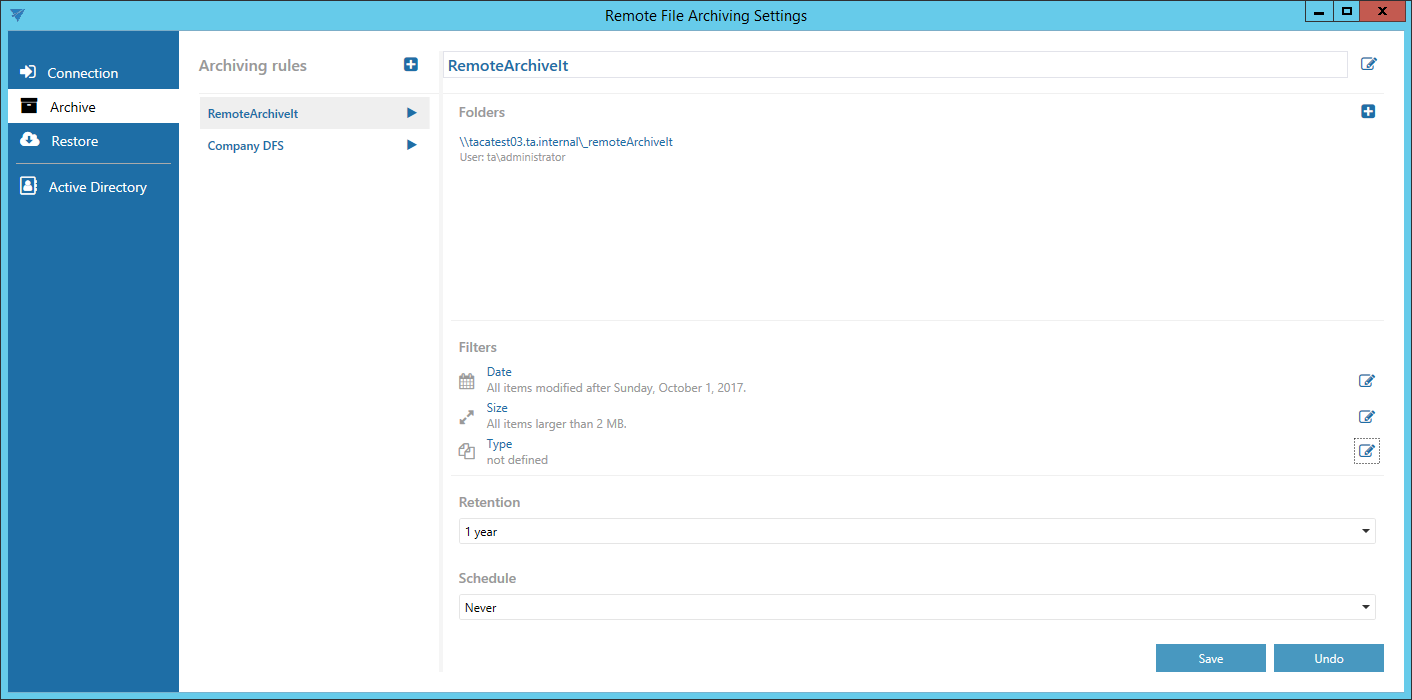
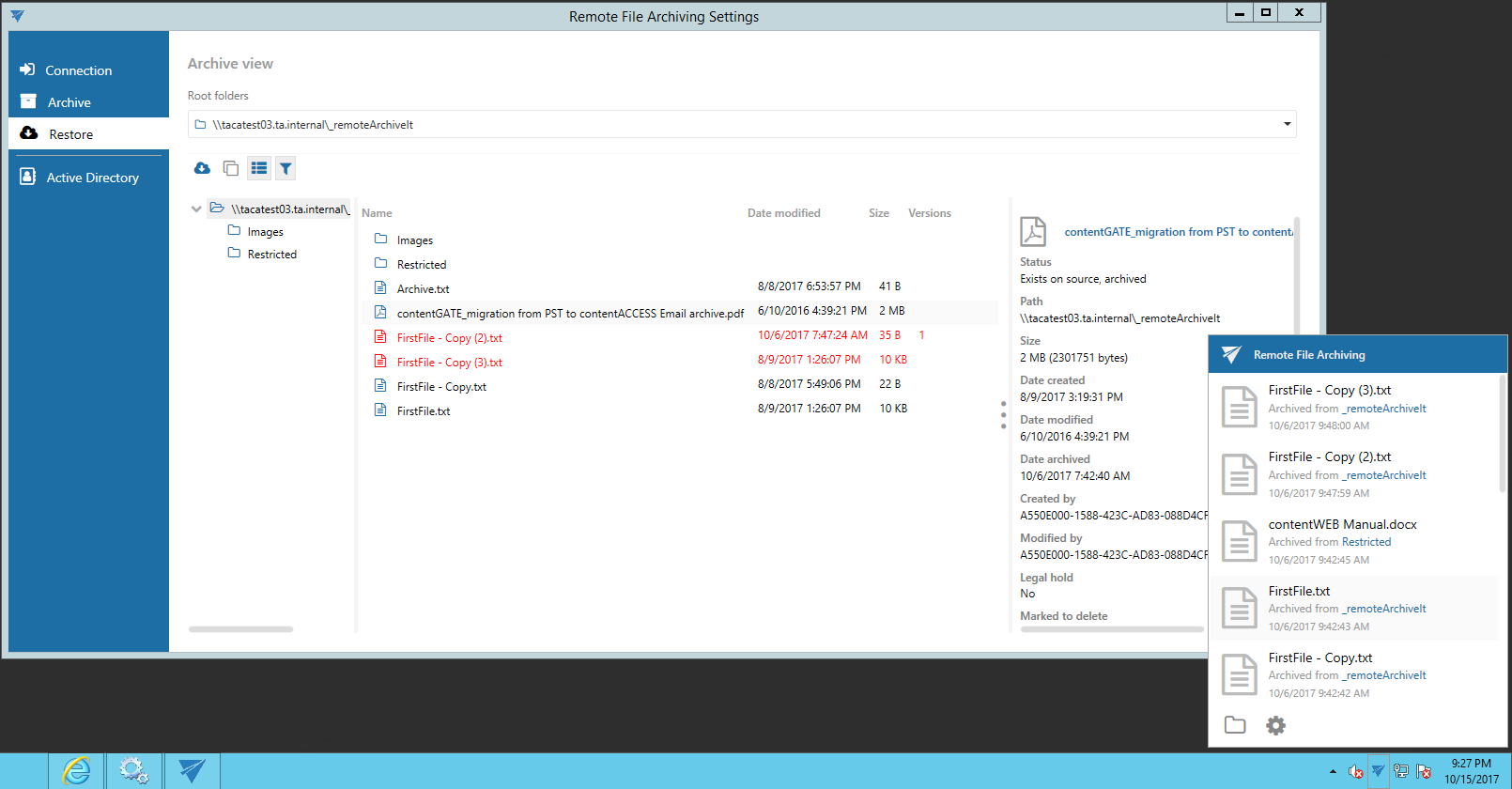
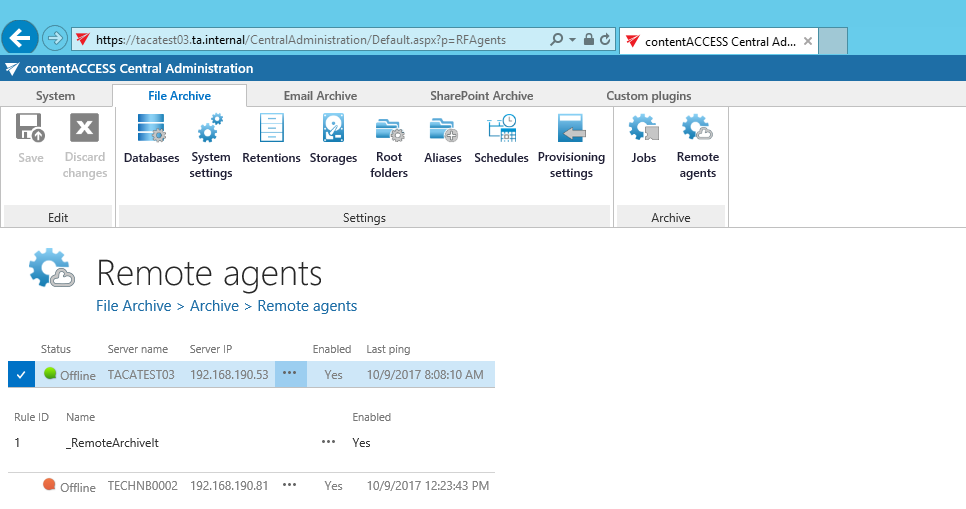
✓ Remote file archiving BETA: To support file archiving in cloud and hosting scenarios, we have introduced a new remote file archive agent that allows users to archive their local files into the cloud. Local files can be recovered at any time through an easy-to-use client application and can also be accessed from anywhere through contentWEB, officeGATE, and contentACCESS Mobile.
The remote agent also integrates with the local Active Directory and allows synchronization of user permissions into the cloud. contentACCESS uses this information to apply correct security trimming to the data and to display files to the logged-in user based on their access rights in the local file system.
The remote file archiving feature is delivered together with a new remote Active Directory login provider. This allows on-premises users to log in to contentACCESS running in the cloud using their local Active Directory username and password.