contentACCESS Version 3.9 SP3

✨ Highlights
- Introduced a configurable persistent cache path for the Virtual Drive to safely store file changes until they are committed to the archive.
- Added the ability to delete unused Email Archive address book objects via a new context menu option, without affecting archived data or subgroups.
- Extended compatibility of the contentACCESS archive server to Windows Server 2019.
- Delivered numerous performance and stability improvements to enhance the overall contentACCESS experience.
- Provided a clearly defined update path from earlier contentACCESS versions.
Common features
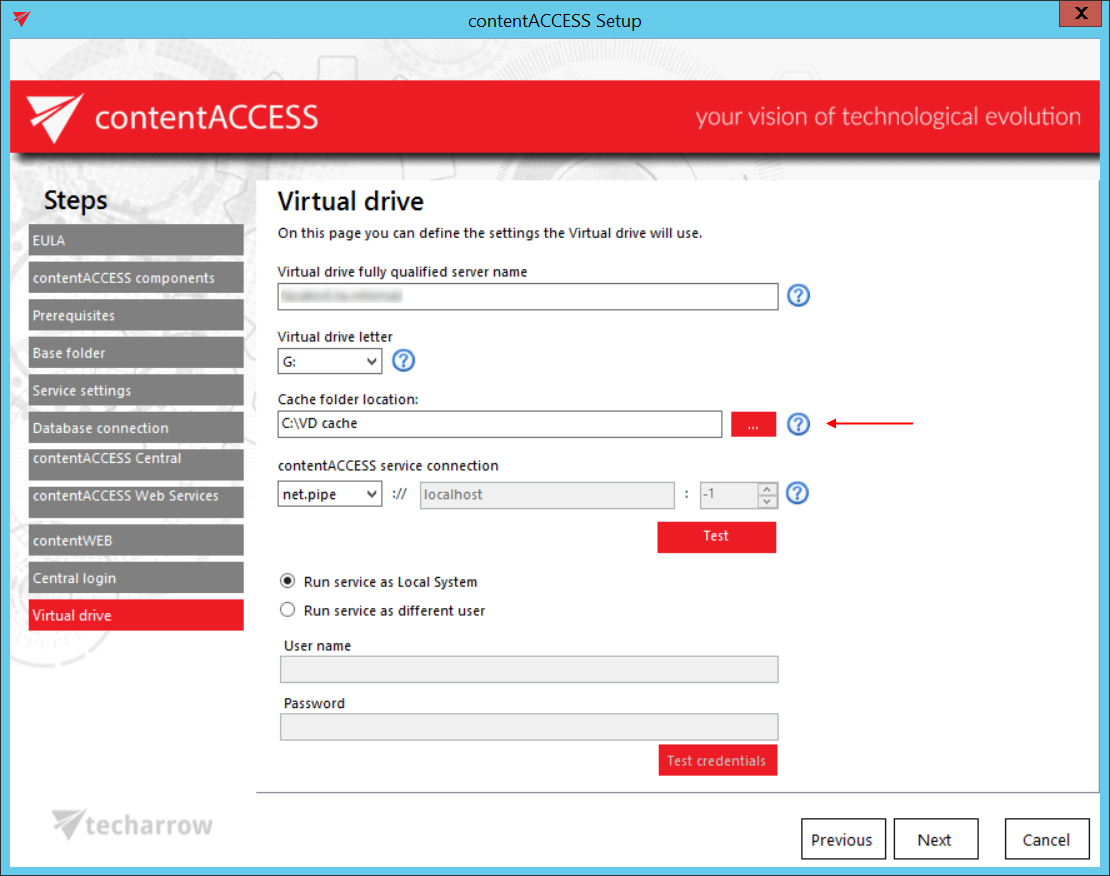
✓ Configurable Virtual Drive persistent cache path in the installation package: All changes made during file editing through Virtual Drive or file shortcuts are stored in this folder until they are committed to the archive. Therefore, we recommend setting a safe folder with plenty of free space (a temp folder is not recommended).
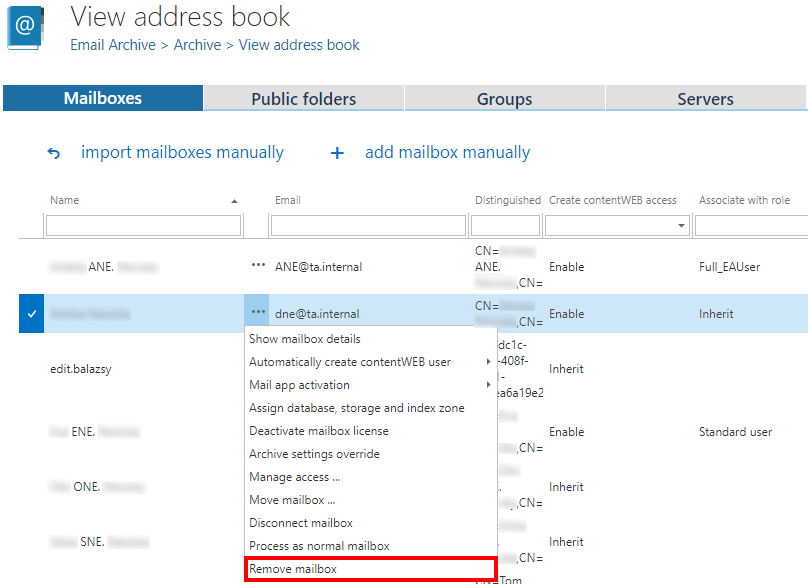
✓ Deletion of Email archive Address book objects: Do you have unused mailboxes and groups in the Address book that you want to remove from the list? With the new context menu option, it is possible to do so with only a few simple clicks. Don’t worry, your mailboxes with archived data and subgroups will stay untouched.
✓ Windows 2019 support: We are always listening to the needs of our customers and striving to implement new technologies. Therefore, we made the contentACCESS archive server compatible with Windows Server 2019, enabling more users to take advantage of its features and functions.
✓ Performance and stability improvements: We made numerous performance and stability improvements that may not be immediately visible but significantly enhance the contentACCESS experience.