contentACCESS Version 5.0

✨ Highlights
- Introduces a new system-level sharing framework for archived content, live SharePoint items, and organizational data, using secure sharing links with flexible access options.
- Extends sharing to archived items and integrates it at the framework level, providing consistent features, full auditability, and centralized control across all managed data.
- Enables sharing of live SharePoint and OneDrive items through a SharePoint proxy, applying contentACCESS sharing features without copying or duplicating content.
- Automatically manages retention and access during sharing, eliminating manual follow-up and ensuring compliance.
- Improves the overall sharing experience with organization-wide access options and seamless integration across contentACCESS clients.
Sharing from the archive
We believe that contentACCESS is much more than just archiving software that stores and secures your data for a configured period of time. We already have a very good sharing module, but it was designed mainly to share external files with others. Sharing manages the access and retention of files and also provides a full audit log for user downloads.
But one question kept coming up: could we add something more? Could we implement the sharing process for archived items as well? Yes, we could—and we did! The sharing feature was extended and moved to the framework level. This change allows the same features to be used for all data managed by the archive.
Sharing has never been so easy and secure! The new sharing feature also recognizes shortcuts, so you do not need to worry about whether recipients will be able to open the shared data—they will!
✓ SharePoint proxy
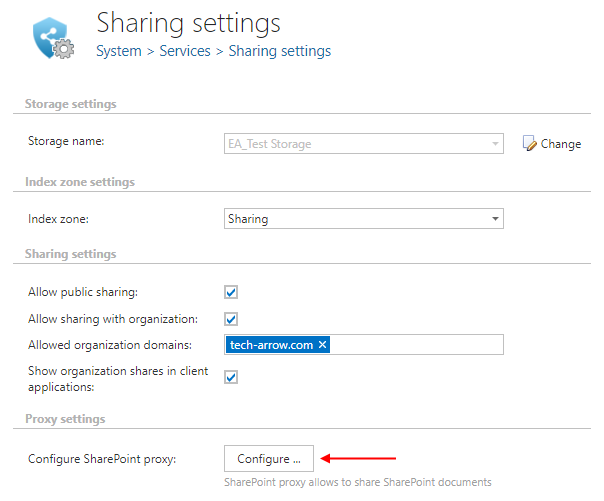
By using the SharePoint proxy, it is possible to share live SharePoint items. All extra features provided by contentACCESS Sharing are applied while the files remain in SharePoint. During sharing, only the document reference of the SharePoint and/or OneDrive item is shared; the item content is not duplicated or copied, which speeds up the entire process.
✓ Retention managed by the system
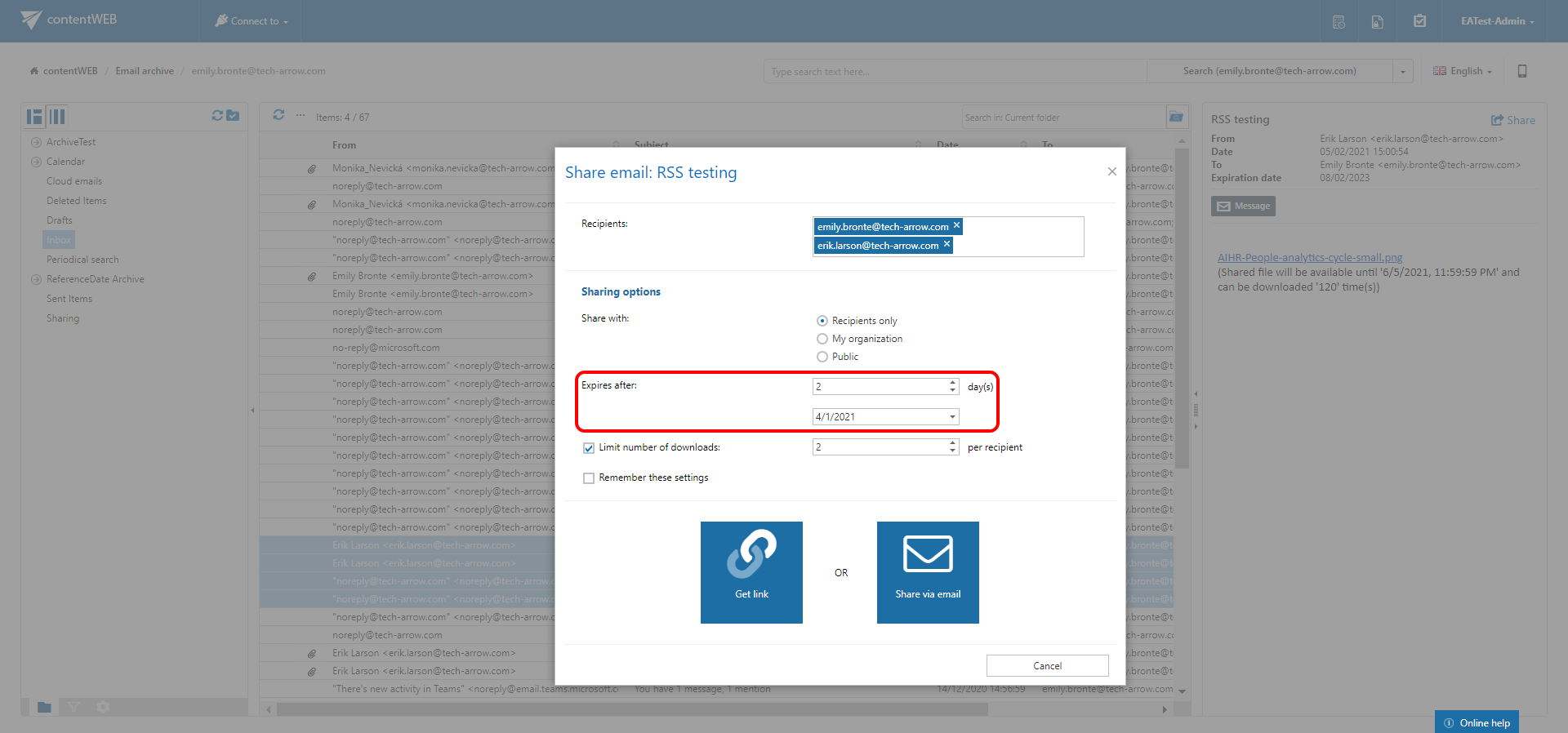
No need to remember to block sharing after a specific time or to think about what was shared with whom. Just select the correct retention and access settings during the sharing process, and contentACCESS sets everything else for you.
✓ Share and send
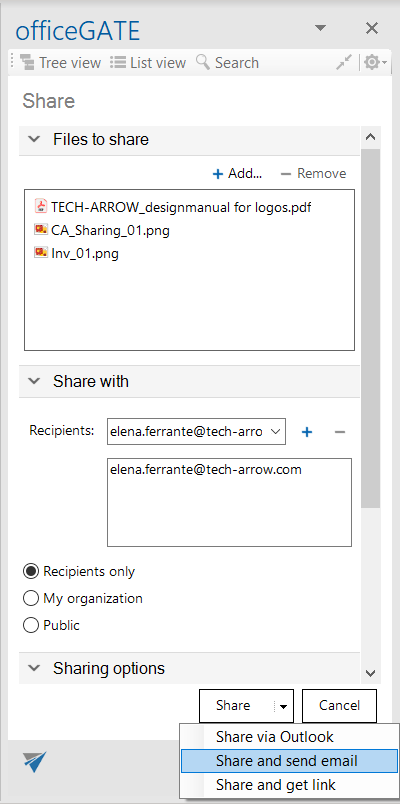
No need to send large attachments anymore—share the file securely with the desired recipients and simply send an email with a link pointing to the files shared via contentACCESS.
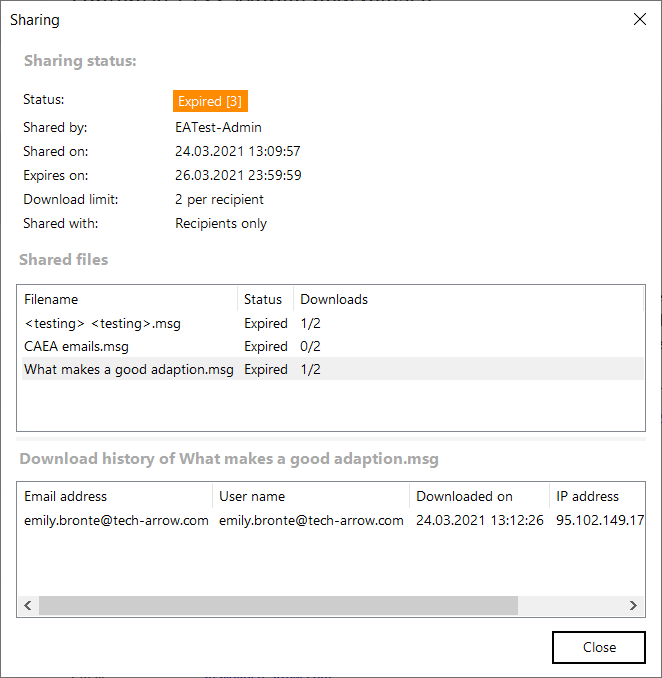
Every item download is also audited, so you will have a clear overview of who downloaded which item.
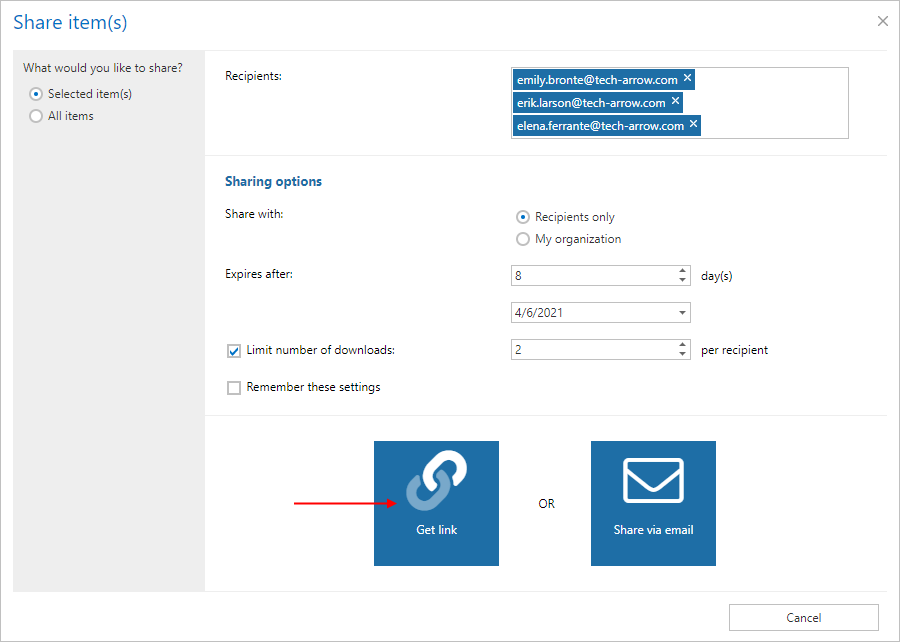
✓ Get a sharing link
Don’t want to send an email? Simply copy the sharing link and send it via Messenger, Hangouts, Skype, MS Teams, or any other channel you prefer.
✓ Organization shares
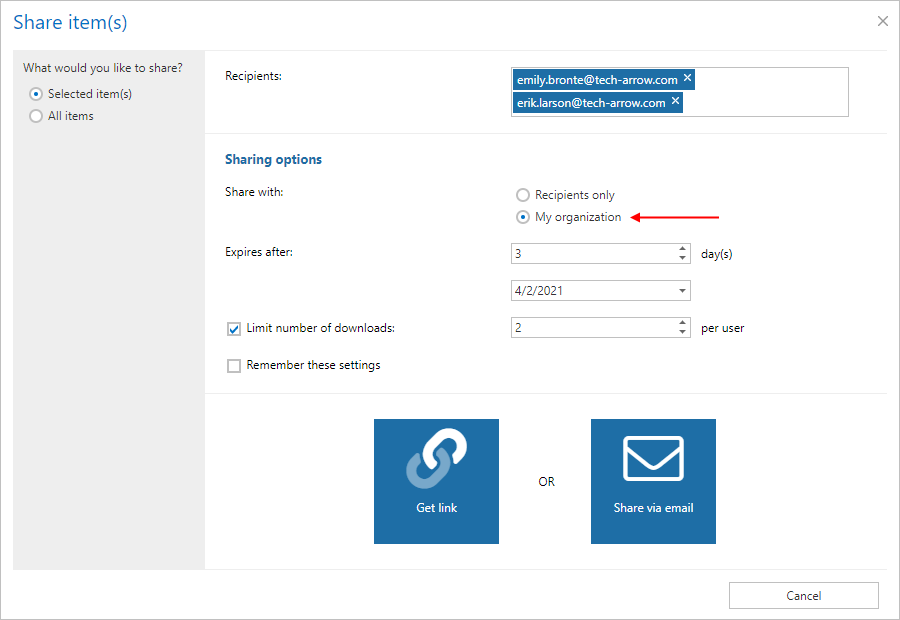
Are you sharing files with multiple people from your organization? Not sure who exactly will access the file? No worries—just select “My organization” as the audience, and contentACCESS will ensure that everyone in your organization can access the item, but nobody outside of it.
✓ Client integration
Sharing from the archive is now integrated into contentWEB, the Share app, the Teams app, and officeGATE as well.
contentACCESS
✓ S/MIME support
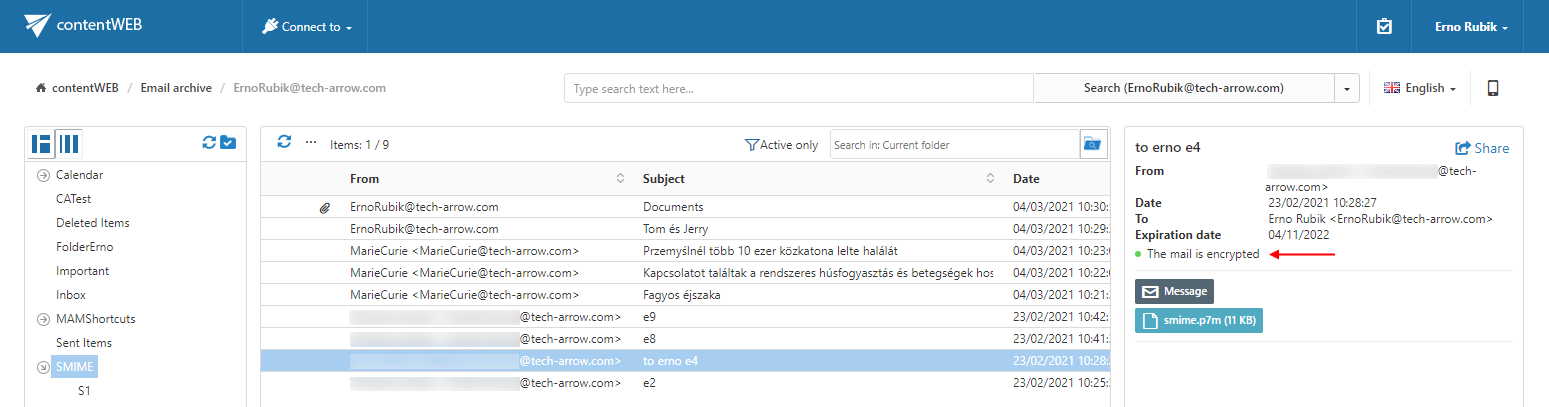
Do you want to give your emails an extra level of security but are unsure whether contentACCESS can archive them? The new contentACCESS version also allows you to archive S/MIME emails. Archived S/MIME messages are displayed with all their attachments in all client applications (contentWEB, officeGATE, Mail app, contentACCESS Mobile).
✓ Tenant limits renamed and extended
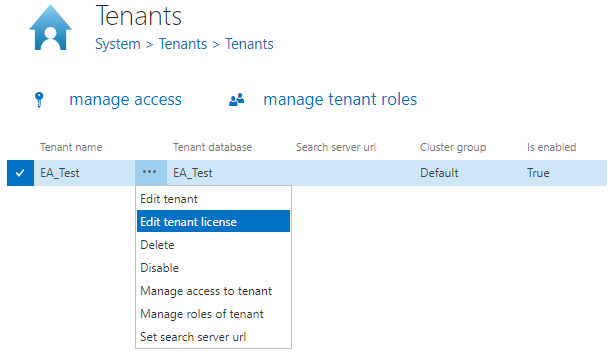
We received some complaints that the original name, Tenant limitations, was not ideal. We listened to your feedback and therefore renamed this option to Tenant license. We hope this new term will eliminate confusion.
✓ SharePoint Online AAD group permissions support
The new version of the SharePoint archive supports SharePoint permissions granted through AAD (Azure Active Directory) groups. This is now the most common way SharePoint Online manages user access to SharePoint sites.
✓ Advanced filtering in File Archive restore jobs
In this contentACCESS version, the advanced filtering section was added to the configuration of file system restore jobs.

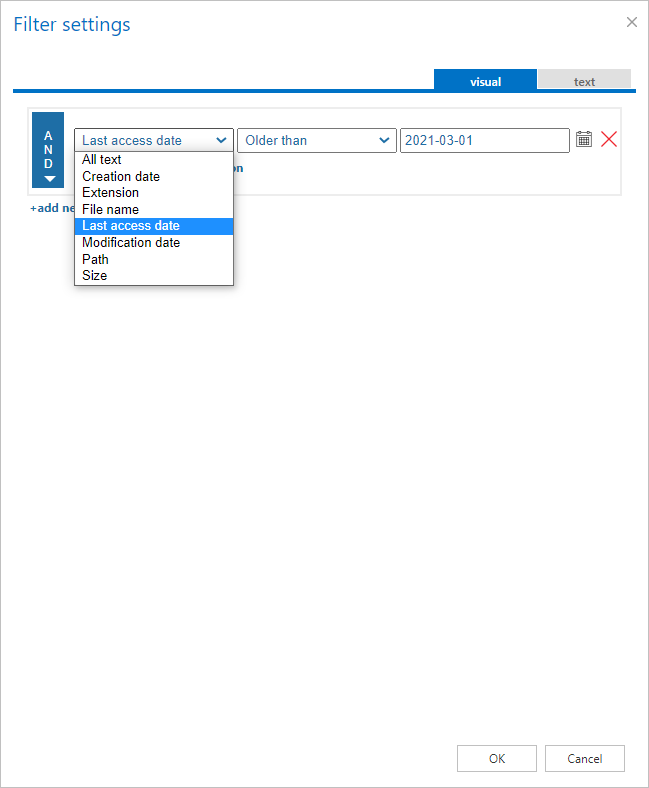
✓ Last access date filter in File Archive
The file archive job was extended with a Last Access Date condition, which allows administrators to archive or shortcut only files that have not been opened for a longer period of time. This improves usability, as frequently used files remain physically stored in the file system.
✓ Optimized search execution
Everyone wants to find relevant items as quickly as possible. We listened to your requests and optimized search execution, making it faster and easier to navigate.
✓ Optimized mobile browsing for Email Archive
Email Archive browsing was not the fastest experience in the mobile application—we know. In this version of contentACCESS, we put a lot of effort into making it truly fast. Just try it now!
✓ Legacy MAM post-migration support
Have you migrated from Metalogix Archive to contentACCESS and struggled with old, non-functional Metalogix shortcuts stored in PSTs, external systems, or users’ local disks? Do not worry—by using contentGATE’s migration database, contentACCESS allows you to retrieve such shortcuts on demand.
✓ Progress bar in Central Administration during internal system updates
Never know when the internal system update will finish after a contentACCESS update? This version displays a progress bar in the Central Administration header while the internal system update is running. This avoids confusion and provides a clear answer to the question, “When will the update be done?”
✓ Performance and stability fixes
Improvements were made to make the system faster and more stable, so your contentACCESS experience can be better than ever before.