mailApp Version 6.3

✨ Highlights
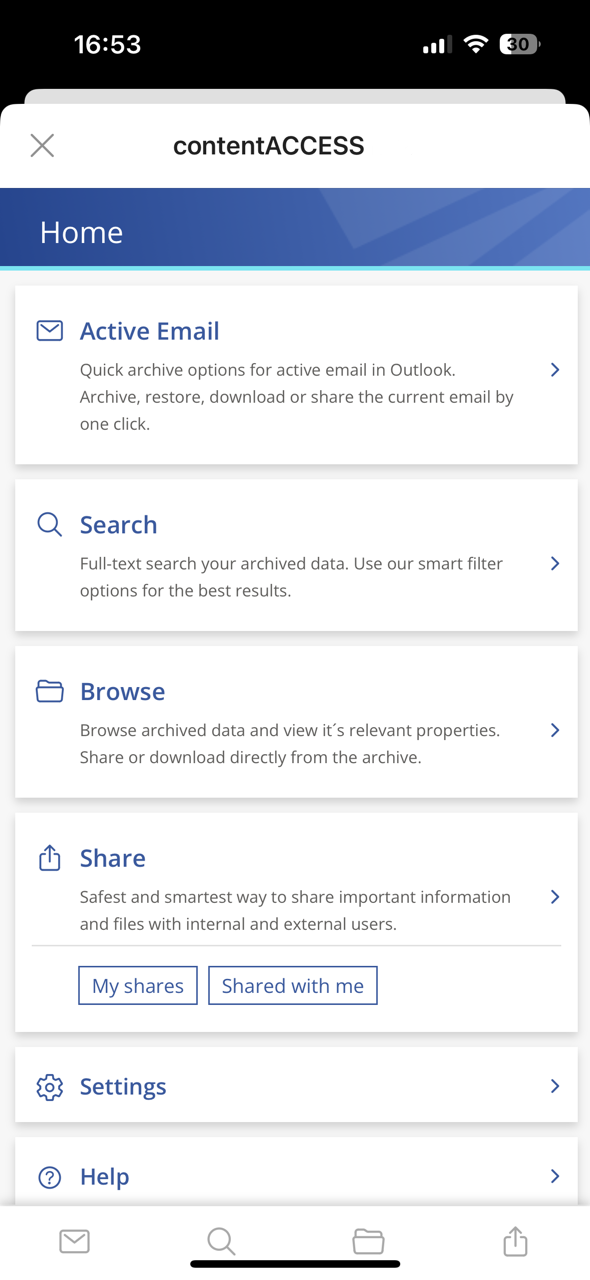
- Added support for Outlook on Mobile, enabling secure access, search, and sharing of archived content on the go.
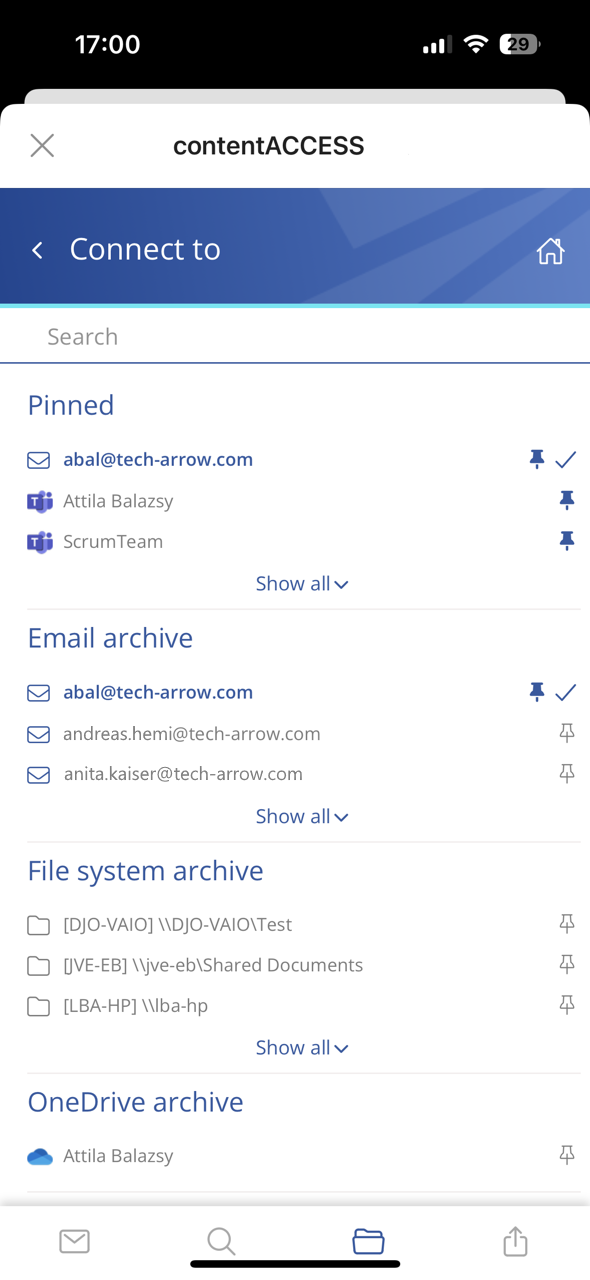
- Introduced entity pinning to keep frequently used mailboxes, SharePoint sites, or teams easily accessible.
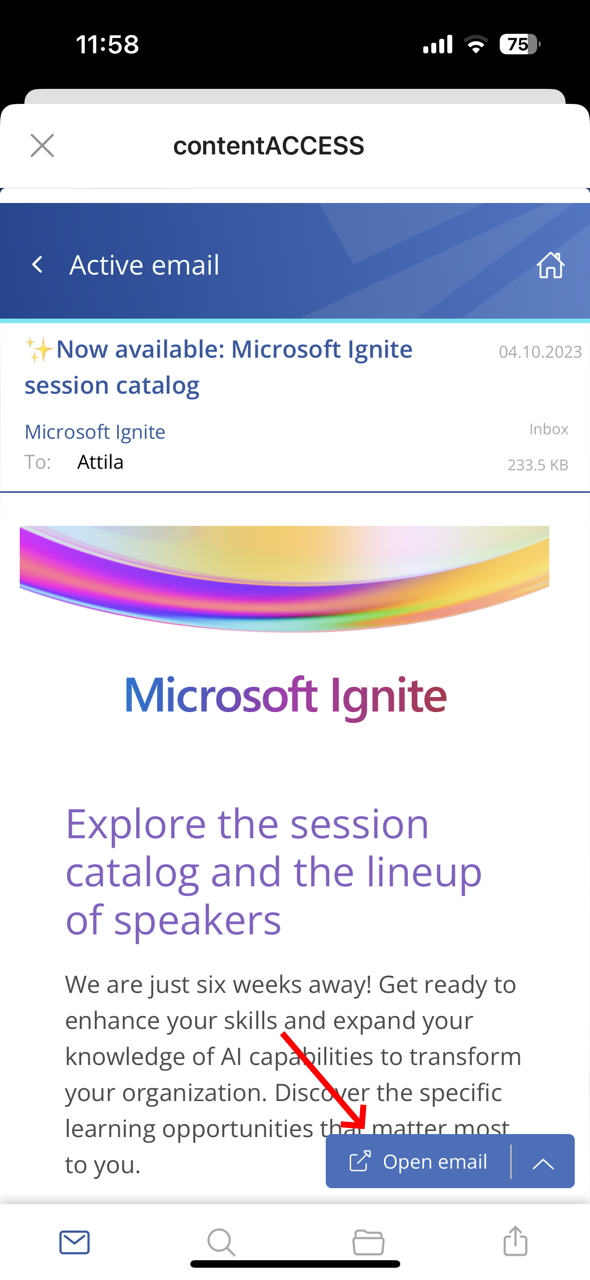
- Streamlined the default action on active emails, reducing clicks and improving navigation.
- Integrated document previews for email attachments, allowing seamless viewing without additional applications.
- Improved overall performance and stability.
Common
✓ Outlook on Mobile Support
Unlock seamless access to your digital vault while you’re on the move. Experience enhanced accessibility with mailApp, now also available on Outlook for Mobile, ensuring immediate and easy retrieval of your emails and data from the contentACCESS archive. You can effortlessly search, browse, retrieve, and share critical information, ensuring your data is at your fingertips whenever you need it. No more waiting or being tied to your desk—your archive travels with you, safeguarding your data and enhancing your mobile productivity.
✓ Pin entities
Juggling multiple mailboxes, SharePoint sites, or teams? Elevate your efficiency with the pin feature in entity selection. Ensure your most-used entities are always just a click away, providing swift and effortless navigation through your daily digital interactions.
✓ Default Action on Active Email
Enjoy a more streamlined experience with our enhanced floating button. On the active email page, you now have immediate access to your original email through the optimized default action, eliminating the need for an extra click and making navigation faster and more intuitive.
✓ Document preview integration
Unlock enhanced convenience with mailApp’s deeper integration with the contentACCESS document preview. Every email attachment now opens seamlessly in the preview component, allowing effortless viewing without checking for compatible applications—especially valuable when accessing content on mobile. There’s no need to worry about file types or application compatibility anymore; the experience is streamlined to prioritize ease of use wherever you are.
✓ Performance and stability fixes
Various improvements have been made to increase system speed and stability, ensuring an even better overall mailApp experience.