officeGATE Version 3.9

✨ Highlights
- Manage SharePoint list items directly in Outlook, including creating items, adding attachments via drag and drop, and sending list items by email.
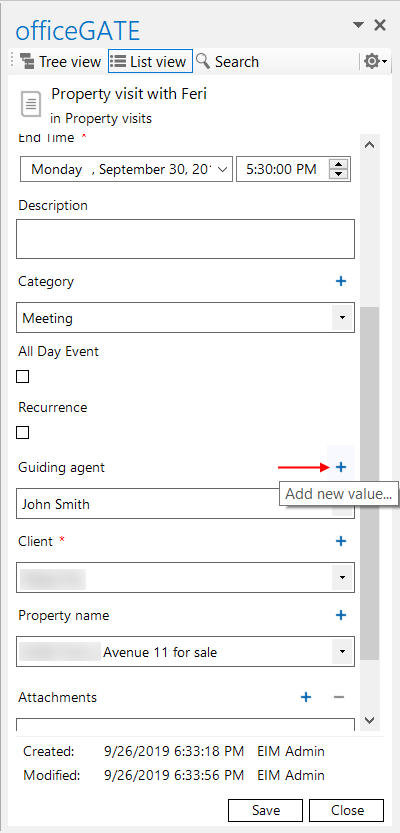
- Create lookup items directly during list item creation, a capability not available in SharePoint itself.
- Edit document and document set library properties directly from the items view.
- Benefit from significantly faster loading of the SharePoint provider in the tree view.
- Use the new EIM integration to deploy templates, send officeGATE invitations, and manage SharePoint files directly from Outlook.
✓ List item management: From now on, you will be able to manage your list items directly in Outlook, too! Create new list items, add attachments with simple drag and drop, or even drag whole list items into an email, saving even more time than before.
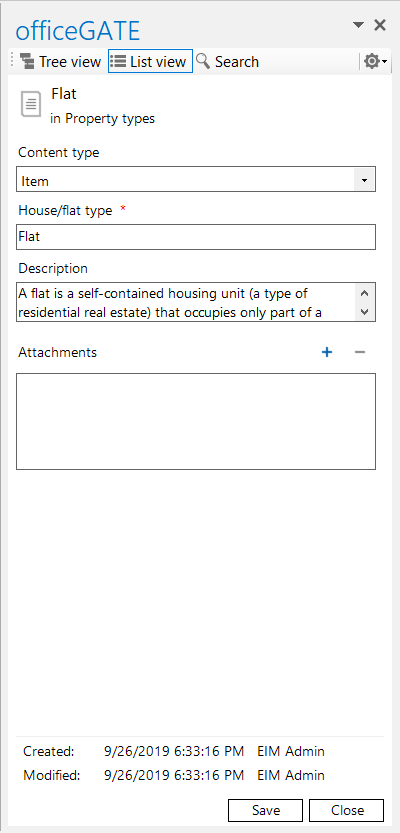
✓ Creating lookup items directly from list item creation: Create lookup items directly during item list creation. This feature is not even available in SharePoint, making officeGATE an excellent tool for increasing your productivity.
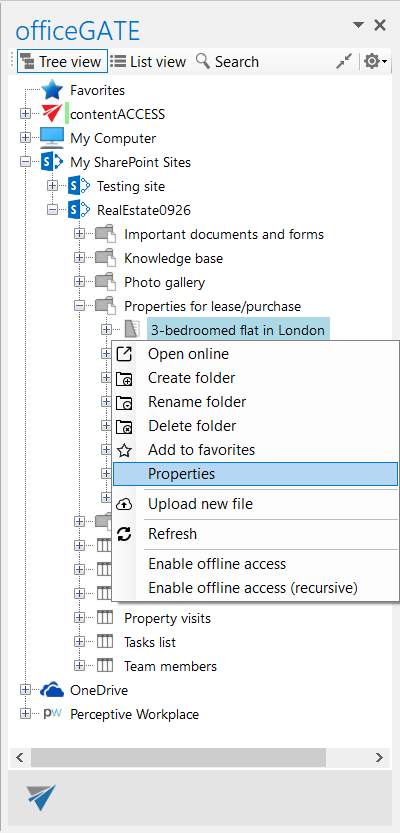
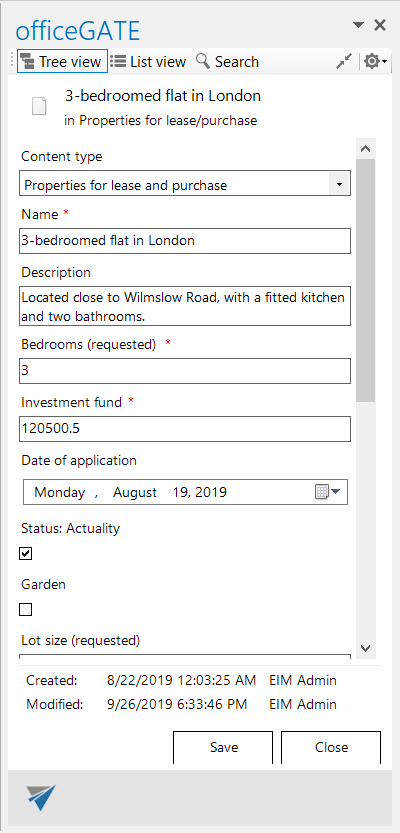
✓ Edit documents and document set libraries: officeGATE previously only displayed properties in the items view—now it is enriched with the option to edit them as well.
✓ Faster loading: Since SharePoint is becoming the preferred solution for many users, we wanted to give it a boost as well. The SharePoint provider now loads much faster in the tree view.
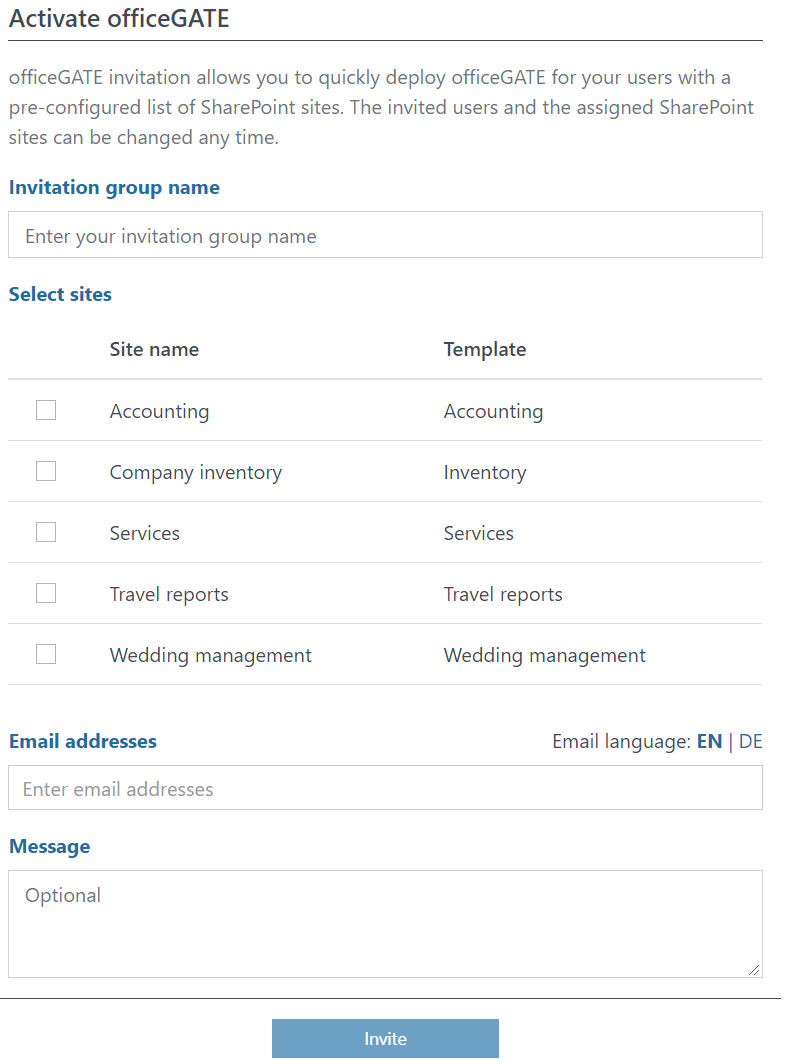
✓ EIM integration: EIM allows users to manage, activate, and deploy their templates to SharePoint sites. Thanks to the integration, officeGATE invitations with a pre-configured list of SharePoint sites can be sent directly from EIM by the customer administrator to end users. End users can then manage their files stored in SharePoint directly from Outlook.
✓ Stability and performance improvements: A lot of stability and performance improvements were made for a much faster and smoother officeGATE experience.