Installation
Introduction
Remote File Archiver can be installed by downloading the setup from either the File archive or Email archive Remote agents tab in contentACCESS Central Administration.
Install Remote File Archiver
There are two ways to download the setup:
- From the Remote agents tab in Central Administration (File archive => Remote agents => Remote agents).
- From the Remote agents tab in Central Administration (Email archive => Remote agents => Remote agents).
Run the setup and complete the installation as follows:
-
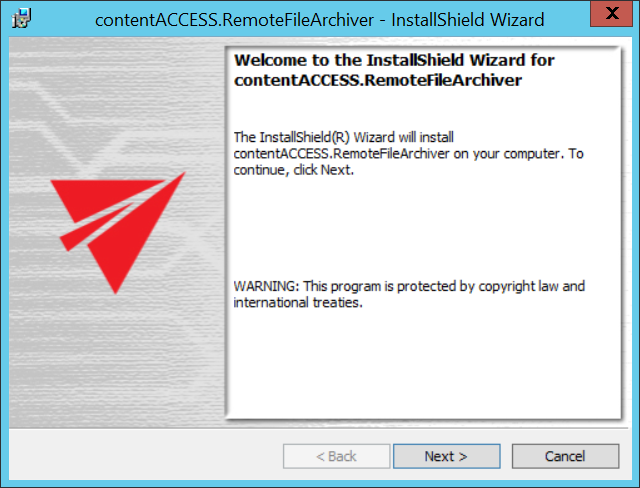
Click Next.
-
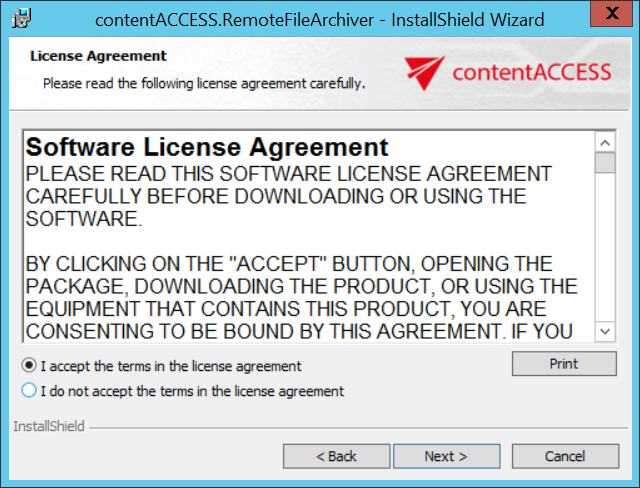
Select I accept the terms in the license agreement and click Next.
-
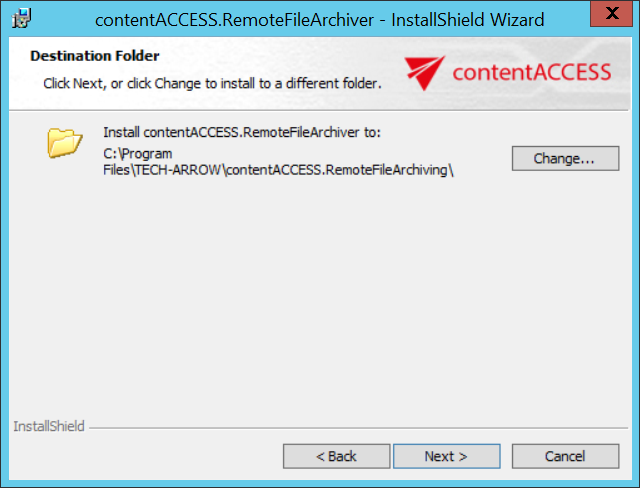
Select the folder where Remote File Archiver is installed. It is recommended to keep the default folder.
Click Next.
-
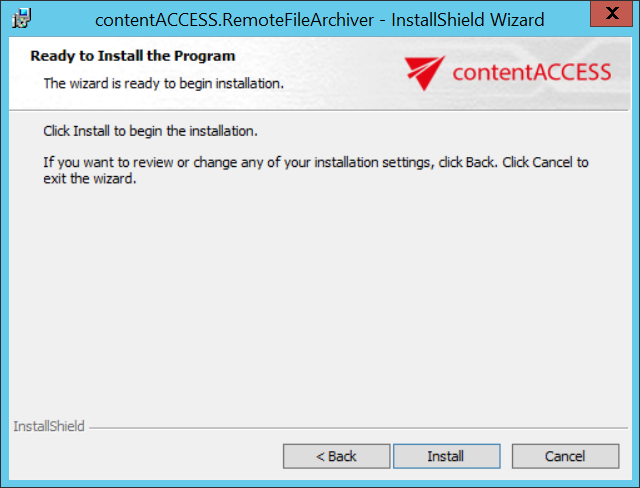
Click Install.
-
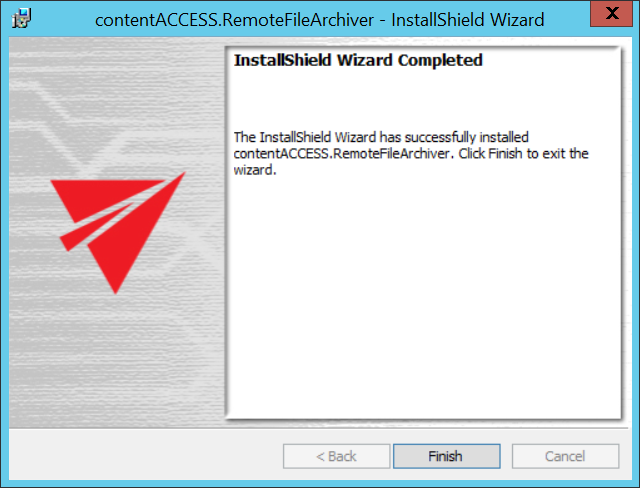
Click Finish to complete the installation.