Archiving workstations in a workgroup
Introduction
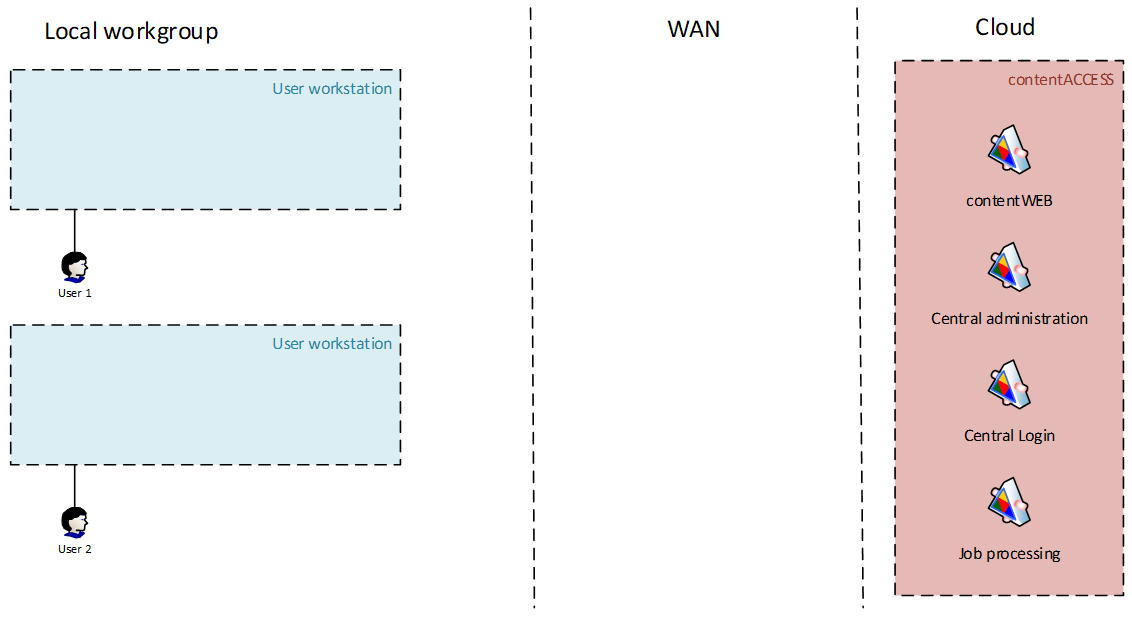
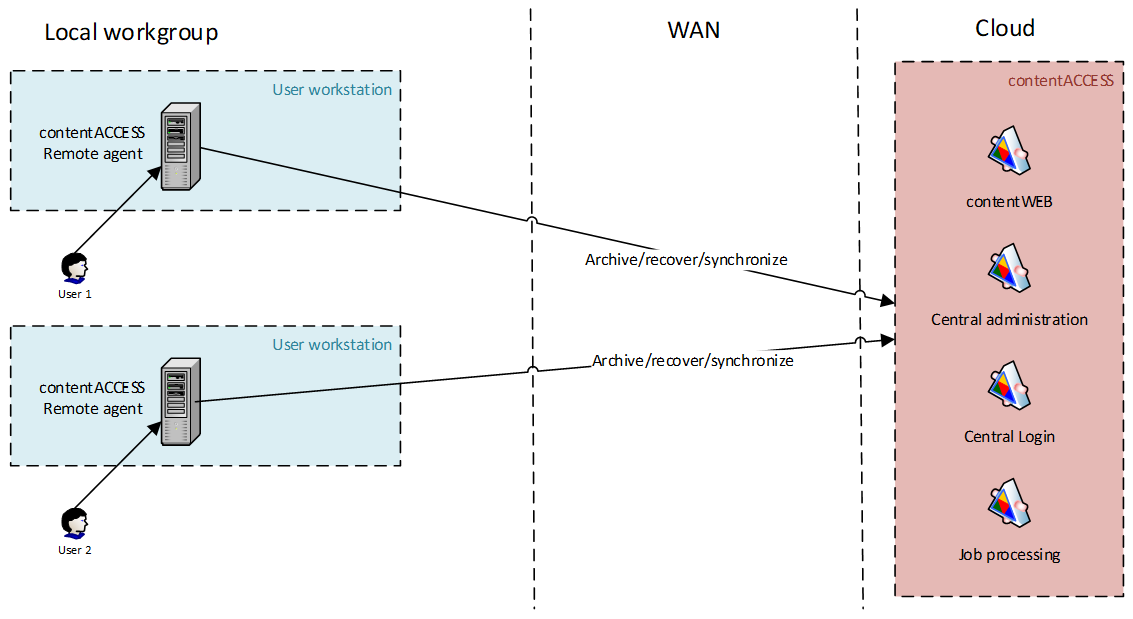
This use case is primarily intended for very small companies without common resources or a domain. Each user has a workstation and logs in with a local user account that exists only on that machine. The users work with files stored locally on their workstations.
Solution
The RFA deployment and configuration must be performed manually by the user or administrator.
First, the administrator must create a contentACCESS user for each user in Central Administration and grant the necessary rights under System -> Users.
Note: When using contentACCESS 3.8 or an older version, the user must have at least Tenant administrator rights to register their machine with contentACCESS.
RFA must then be installed on each workstation and the connection to contentACCESS must be configured.
When configuring the connection, each user must use their own contentACCESS account created by the administrator.
After the configuration is complete:
- Users can create their own archiving rules.
- The administrator can create global rules in contentACCESS and assign them to any or all agents.
Users can use the RFA client to manage their files in the archive or use another contentACCESS client application, such as contentACCESS Portal, officeGATE, or contentACCESS Mobile.
Authentication
Each user must be registered manually in contentACCESS by the administrator.
The administrator can choose the required login method, such as Forms or Azure. Windows login cannot be created for these users.
Data access
Each user has access to their own resources only, that is, the archived workstation.
Access to other resources must be granted by the administrator. If the administrator grants a user access to another workstation, the user has full access to that workstation.