Starting up the Service
Introduction
After installing the contentACCESS Virtual Drive, you must start the Virtual Drive service to make the virtual drive available on the computer. This page explains how to start the service and verify that the virtual drive appears among the local drives.
Start the Virtual Drive service
After the installation is complete:
-
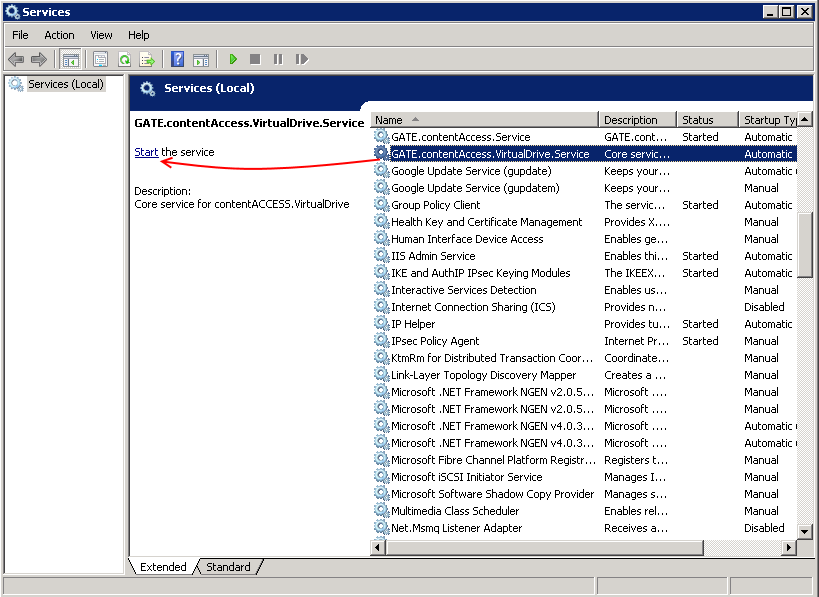
Open the Services window.
-
Find the Gate.contentAccess.VirualDrive.Service service.
-
Start the service.

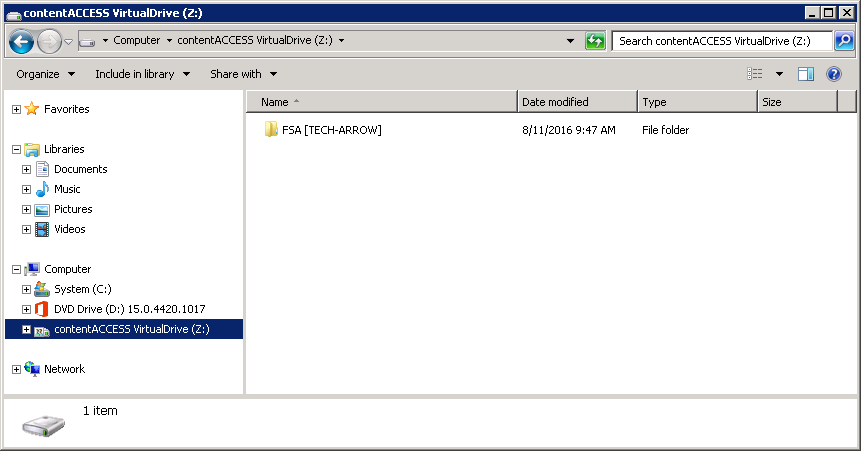
After the service has started, the Virtual Drive appears among the local drives.